Work slows down when requests bounce between people, answers live in five different places, and every exception needs a human to step in. Support teams repeat the same resolutions. Sales teams lose momentum between touchpoints. Ops teams spend hours chasing updates, approvals, and status checks.
That is why AI agent use cases matter most when they are tied to a real workflow, a clear owner, and a measurable outcome. The fastest wins usually show up in AI agents for customer support, sales AI automation, and operations automation, where repetitive decisions and handoffs are already costing time and revenue.
If you are also deciding where voice belongs, AI voice agent vs chatbots can help you pick the right channel based on the job and the risk level.
AI agent use cases are specific workflows where an AI agent handles a repeatable request end-to-end by understanding intent, using business context, taking actions in your tools, and escalating edge cases to a human. The best use cases reduce handoff delays, cut manual follow-ups, and improve cycle time while keeping clear controls and auditability.
How to Choose the Right Department Use Case
Automation usually fails for a boring reason. The workflow is unclear, ownership is fuzzy, and exceptions are handled differently depending on who is online. So the agent ends up guessing, or the team spends more time reviewing outputs than doing the work manually. The fix is to start with discipline, not tooling. Treat AI agent use cases like process improvements that happen to be automated. Pick one workflow with a clear definition of done, map the steps in plain language, and decide exactly where human judgment stays in the loop. When you do that, an agent can remove the waiting, chasing, and repetitive clicking without creating a new layer of risk or busywork.
1) Start with One Workflow
Look for a workflow that shows up daily and creates visible drag. A backlog that never clears, constant follow-ups, and people switching between tabs to answer the same questions are all strong signals. The best candidates are repeatable, have a predictable sequence, and touch the same systems every time. When those conditions exist, operations automation is less about replacing people and more about removing delays caused by handoffs and manual routing.
If your workflows are messy or undocumented, product development services can be a useful reference point for tightening steps, acceptance criteria, and ownership before you automate anything.
2) Write the Job in Plain Language for AI Agents
One sentence is enough, and it should describe an outcome, not an ambition. Something like resolve a password reset request and confirm access is restored is testable. Something like improve support efficiency is not. A clear, specific job makes it much easier to train the agent, keep the scope tight, and measure whether it’s actually working. With AI agents for customer support, that clarity also helps prevent rambling or over-explaining, because the agent always has a concrete outcome it’s aiming for.
3) Define Guardrails Early for Sales AI Automation
Agents perform better when they have boundaries that keep them out of trouble. Guardrails decide what data the agent can access, what actions it can take, and when it must route to a human. For sales AI automation, guardrails also protect trust. They prevent the agent from making promises, pushing discounts, or creating follow-ups that feel spammy. The simplest rule is. If the outcome affects money, contracts, or commitments, route it for approval.
4) Pick One Metric that Proves it Worked
Choose a single metric you can check weekly, like cycle time, backlog size, or error rate. One metric keeps the pilot honest and prevents reporting theater. It also forces clarity on what improvement actually means, because everyone is looking at the same scoreboard.
Pick a metric that reflects the user experience, not just internal activity. For example, faster cycle time is only a win if outcomes are correct and escalations are not exploding. If the agent resolves more requests but customer satisfaction drops, the automation is creating a hidden cost.
Set a simple baseline for two weeks before the pilot, then compare week-over-week after launch. Add a lightweight quality check, like a small sample review or a reason code for escalations, so you can tell whether the metric moved because the workflow improved or because the agent is just handing work off differently.
Customer Support Use Cases That Reduce Tickets Without Losing Trust
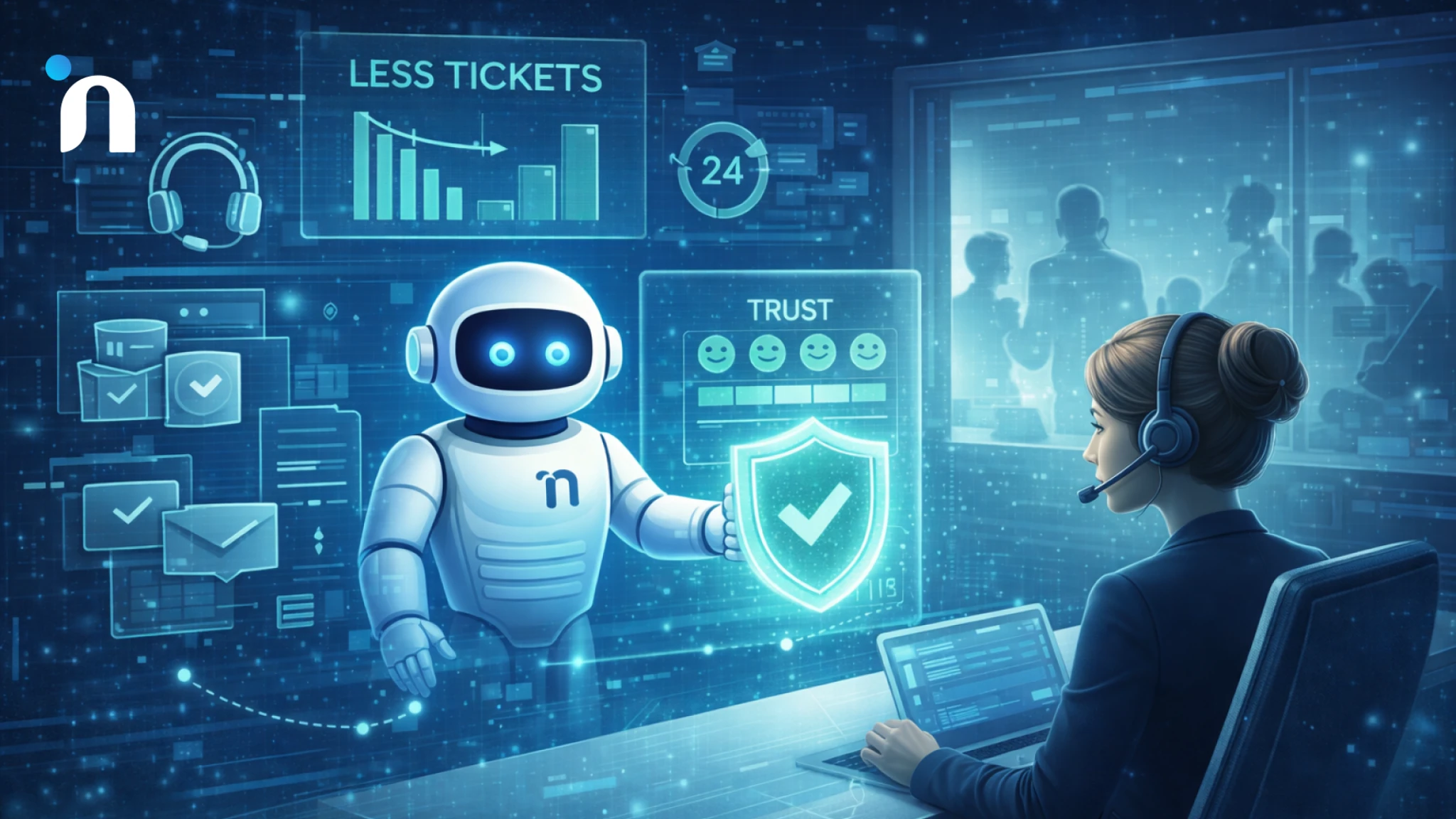
Support is usually the first department that feels the pain of scale. Volume grows, edge cases multiply, and the team spends more time hunting context than solving problems. That is also why support is the easiest place to create fast wins with AI agent use cases, as long as the goal is not deflection at all costs. The goal is fewer repeat conversations, cleaner handoffs, and faster resolution without frustrating customers or burying agents in review work.
The strongest pattern is simple. Let the agent handle the repetitive path, pull the right context automatically, and escalate early when confidence is low or policy is unclear. Gartner has even projected that agentic AI could autonomously resolve 80% of common customer service issues by 2029.
1) Deflect Repetitive Questions Safely With AI Agents for Customer Support
Start with the questions that already have a stable answer, like order status, password resets, pricing basics, and policy clarifications. An agent works best when it can retrieve the exact relevant knowledge and respond with short, precise steps, then stop. That keeps conversations from turning into long, vague replies that feel unhelpful.
The workflow that tends to perform well is knowledge retrieval plus a confirmation step. The agent pulls the right article or internal note, answers, and asks one tight follow-up only when needed. When the request is ambiguous, it routes to a human with a clean summary and the links it used, so the customer does not repeat themselves.
If voice support is part of the channel mix, AI voice agent vs chatbots helps decide which issues belong on calls versus chat.
2) Auto-Triage and Routing Using Operations Automation
A lot of support time disappears into internal coordination. The customer issue is clear, but the next step is not, because it depends on billing, engineering, shipping, or account ownership. This is where operations automation becomes the multiplier. The agent can categorize the request, collect missing details, and route it to the correct queue with the right metadata attached.
Instead of creating a ticket that says, customer has an issue, the agent creates a ticket that says what happened, what was already tried, what the system shows, and what the next best action is. That single change cuts back and forth messages and reduces the delay between first contact and real progress.
3) Resolve Straightforward Issues End-to-End With AI Agents for Customer Support
Once retrieval and routing are stable, the next tier is tool use. The agent can take actions like updating an address, issuing a reset link, creating a return label, or scheduling a callback, but only inside clear boundaries. The boundary that keeps this safe is permission plus policy. The agent must know what it is allowed to change, what requires approval, and what should always escalate.
A practical way to keep trust high is to make actions visible. The agent tells the customer what it is about to do, does it, and then confirms the result. When anything looks unusual, it hands off quickly with context so the customer feels taken care of, not trapped.
Sales Use Cases That Move Deals Forward Without Adding Headcount
Sales teams rarely lose deals because the product is bad. They lose them because momentum dies in the gaps. A lead comes in and sits too long. The first reply is generic. Discovery notes are incomplete. Follow-ups happen late or not at all. By the time a rep is ready to send a tailored message, the prospect has already talked to two competitors. The best AI agent use cases in sales fix those gaps by keeping context intact and making the next best action happen on time. The point is not to spam faster. It is to respond with relevance, keep the pipeline clean, and protect rep time for the moments where human judgment actually wins deals.
1) Qualify Inbound Leads With Sales AI Automation
Start with inbound because the workflow is predictable and the cost of delay is obvious. An agent can capture intent, ask the minimum clarifying questions, enrich the record with firmographic context, and route the lead to the right owner with a clean summary. That removes the back-and-forth that usually happens before a rep can even take a first step.
The quality lever has strict boundaries on what the agent can claim. It should never promise timelines or pricing. It should confirm need, urgency, and fit, then tee up a human follow-up that already includes the why behind the request.
2) Keep Follow-ups Timely Using Operations Automation
A lot of follow-up failure is not laziness. It is tool fatigue. Reps bounce between email, calendar, CRM, notes, and internal threads, then lose the thread of what matters. With operations automation, an agent can watch for specific signals, like a prospect opening a proposal, replying with a question, or going quiet after a demo, then suggest the next best action with the right context attached.
This is also where you prevent pipeline rot. The agent can prompt for missing fields, nudge stage updates, and log key details automatically, so forecasting becomes less guesswork and more reality. If you are already tracking MVP success metrics, the same discipline applies here. One clear definition of progress beats a dozen vague activities.
3) Reduce Pre-Sales Drag With Sales AI Automation
Pre-sales is where deals slow down quietly. Security questionnaires, procurement steps, access requests, and custom proof points often derail speed. An agent can assemble draft responses from approved knowledge, pull the right artifacts, and package them for review, so a rep is not reinventing the same bundle every time.
The win comes from making reviews easy. The agent should show sources, highlight uncertainties, and route anything sensitive to a human owner fast. That keeps velocity high without turning compliance into a risk.
Operations Use Cases That Cut Cycle Time Across the Business
Operations is where work goes to hide. Requests arrive through Slack, email, forms, and hallway conversations, then get routed manually, followed up manually, and reconciled manually. Even when teams have tools, the process between tools is usually the bottleneck. That is why operations is one of the most practical places to start with AI agent use cases. The wins come from reducing coordination overhead, enforcing consistent steps, and making status visible without someone having to chase it. When an agent can translate a request into the right workflow, pull the right context, and push it to completion with clear boundaries, ops stops feeling like constant firefighting and starts feeling like a system.
1) Route Requests and Approvals Automatically With Operations Automation
Pick one internal request type that repeats, like access requests, vendor onboarding, expense approvals, or contract routing. An agent can collect the required details, validate them against policy, create the right ticket or workflow, and assign the correct owner without back-and-forth. The real value is not speed alone. It is consistency. Every request gets the same questions, the same checks, and the same escalation path when something is missing or unusual.
To keep it safe, define what the agent can approve, what it can only recommend, and what always needs a human sign-off. Logging matters here too, because approvals without traceability become a governance headache later. If you already have building blocks in place, AI automation services can help connect the agent to the systems that actually run the workflow.
2) Close the Loop Between Ops and Revenue Teams Using Sales AI Automation
A lot of operational drag shows up as revenue leakage. A deal stalls because the security review is slow. A customer renews late because no one owns the timeline. A handoff breaks because notes are incomplete. With sales AI automation, an agent can keep the loop tight by syncing critical context across tools, prompting owners when deadlines are approaching, and packaging the next action so it is easy to execute.
This is especially useful in RevOps-style workflows where the work is predictable, but coordination is messy. The agent can normalize intake, tag urgency, surface missing fields, and route exceptions to the right person early.
Finance and Back Office Use Cases That Reduce Errors and Speed Up Close
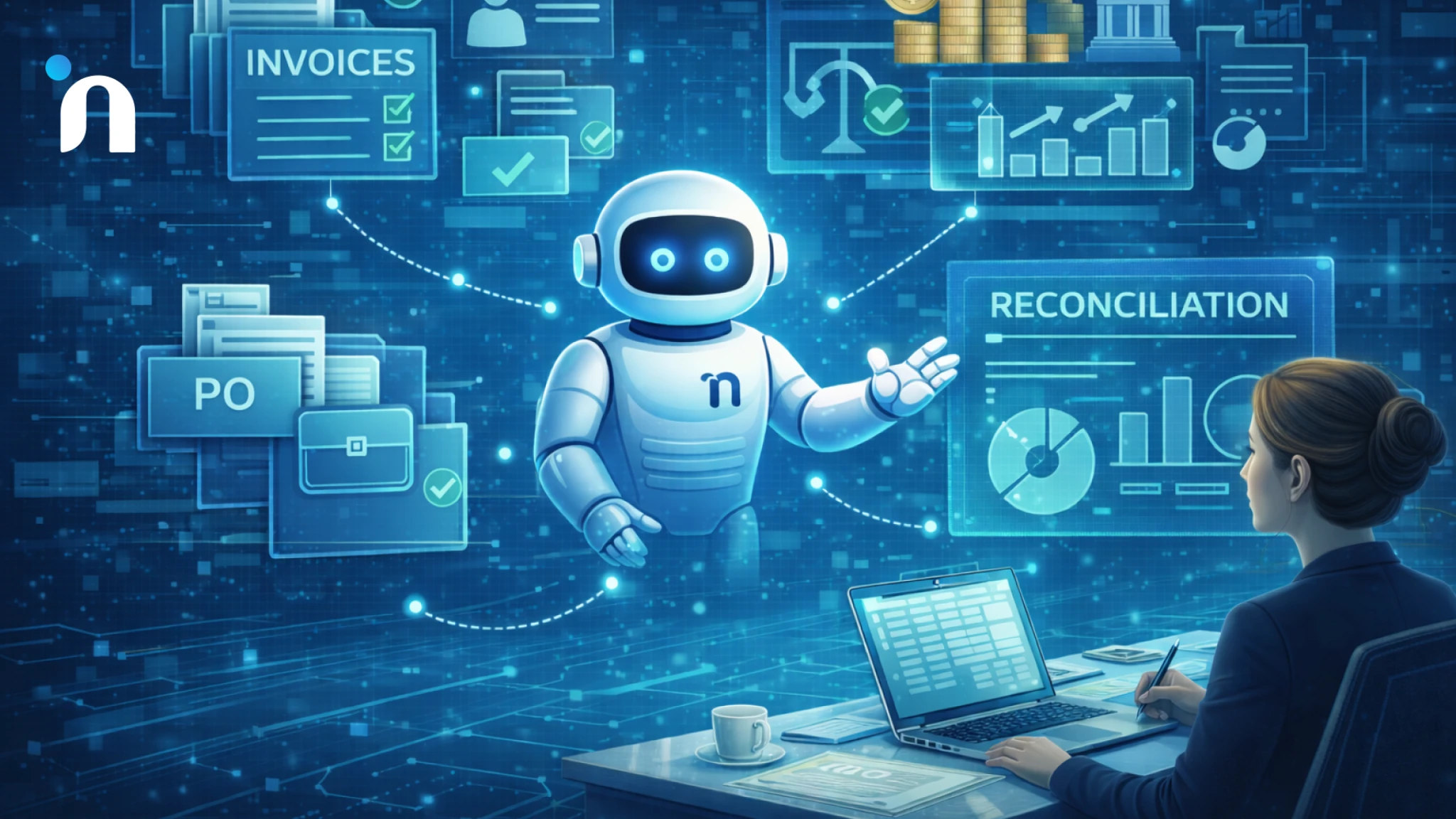
Finance teams live in a world of deadlines, exceptions, and approvals. The pain is rarely a lack of tools. It is the overhead between tools. Invoices come in across emails and portals. Vendor details change without notice. Approvals get stuck with the wrong person. Reconciliations depend on someone remembering where the truth lives. Month-end close becomes a sprint because routine work was scattered across the month. The best AI agent use cases in finance do not try to replace judgment. They remove the repetitive coordination that creates late payments, duplicated effort, and reporting that nobody fully trusts. The right starting point is a narrow workflow with clear policy, clear ownership, and a clean audit trail.
1) Triage Invoices and Route Approvals Faster With Operations Automation
Start with accounts payable intake because it is repetitive and easy to define. An agent can read an invoice, extract key fields, match it to a purchase order or cost center rules, and route it to the right approver based on policy. When something is missing, it requests the exact missing detail instead of sending a vague follow-up that triggers another round of confusion.
The guardrail that keeps this safe is simple. The agent recommends and routes, while humans approve exceptions and high-value items. Every step should be logged so finance can see what was extracted, what was matched, and why it was routed the way it was. If you already have internal standards for automation work, AI automation services fit naturally into this type of workflow design.
2) Improve Collections Follow-ups Using Sales AI Automation
Accounts receivable usually slow down because follow-ups are inconsistent. Some customers get too many nudges. Others get none until the balance is already old. An agent can monitor invoice status, detect aging risk, and draft follow-ups that reflect the right context, like what was delivered, what the payment terms are, and who the right contact is. It can also schedule reminders for the account owner when a conversation needs a human touch.
This works best when messaging rules are explicit. Timing, tone, escalation triggers, and when to offer a call should be defined up front. When the agent cannot confirm a detail, it routes the thread with a short summary so a human can respond without rereading the entire history.
3) Reduce Close Chaos With Operations Automation
An agent can run a standardized month-end checklist, pull required reports, and flag mismatches early, so finance does not discover problems at the last minute. It can also prompt owners for missing documentation during the month, when fixes are easier, and approvals are not rushed.
Start with one reconciliation stream and one definition of done. Track cycle time and exception volume so you can see whether the process is improving or simply shifting work around. Once accuracy stays stable for a few cycles, expand to the next stream and keep the same logging discipline.
HR and People Ops Use Cases That Reduce Admin Work Without Feeling Robotic
HR teams spend a surprising amount of time on repeat questions, chasing approvals, and rebuilding the same onboarding steps for every new hire. The work matters, but the coordination overhead quietly steals hours every week. The best AI agent use cases in HR do not try to automate empathy. They remove the copy-paste work, keep policies consistent, and make sure employees get answers and next steps fast, with a clean handoff when a human needs to step in.
1) Handle Everyday Employee Questions With AI Agents for Customer Support
Employees ask the same questions over and over, like leave rules, benefits basics, payroll timelines, and how to update details. An agent can answer using the latest approved policy content, then guide the person to the exact form or next action. It should ask only one clarifying question when needed and route anything sensitive to HR quickly, with a short summary of what was already covered.
This works best when the agent is connected to AI automation services so it can route requests, not just reply.
2) Speed-up Hiring Coordination With Sales AI Automation
Recruiting slows down when follow-ups are late, notes are scattered, and interviews get booked through long email threads. An agent can qualify inbound candidates with a few tight questions, schedule screens based on availability, and log structured notes into your ATS. It can also draft personalized follow-ups that reflect role requirements and the candidate’s context, without sounding generic or pushy.
If roles and requirements keep shifting, product development services help lock the workflow so automation stays accurate.
3) Make Onboarding Consistent With Operations Automation
Onboarding breaks when steps live in someone’s head, and exceptions pile up across tools. An agent can run a checklist that triggers accounts, equipment requests, document collection, and training steps based on role and location. It should flag missing approvals early, keep owners accountable, and give the new hire clear status updates without them chasing HR in Slack.
The win is fewer missed steps and a faster time to productive work, without losing human touch where it matters.
Product and Engineering Use Cases That Reduce Rework and Keep Shipping
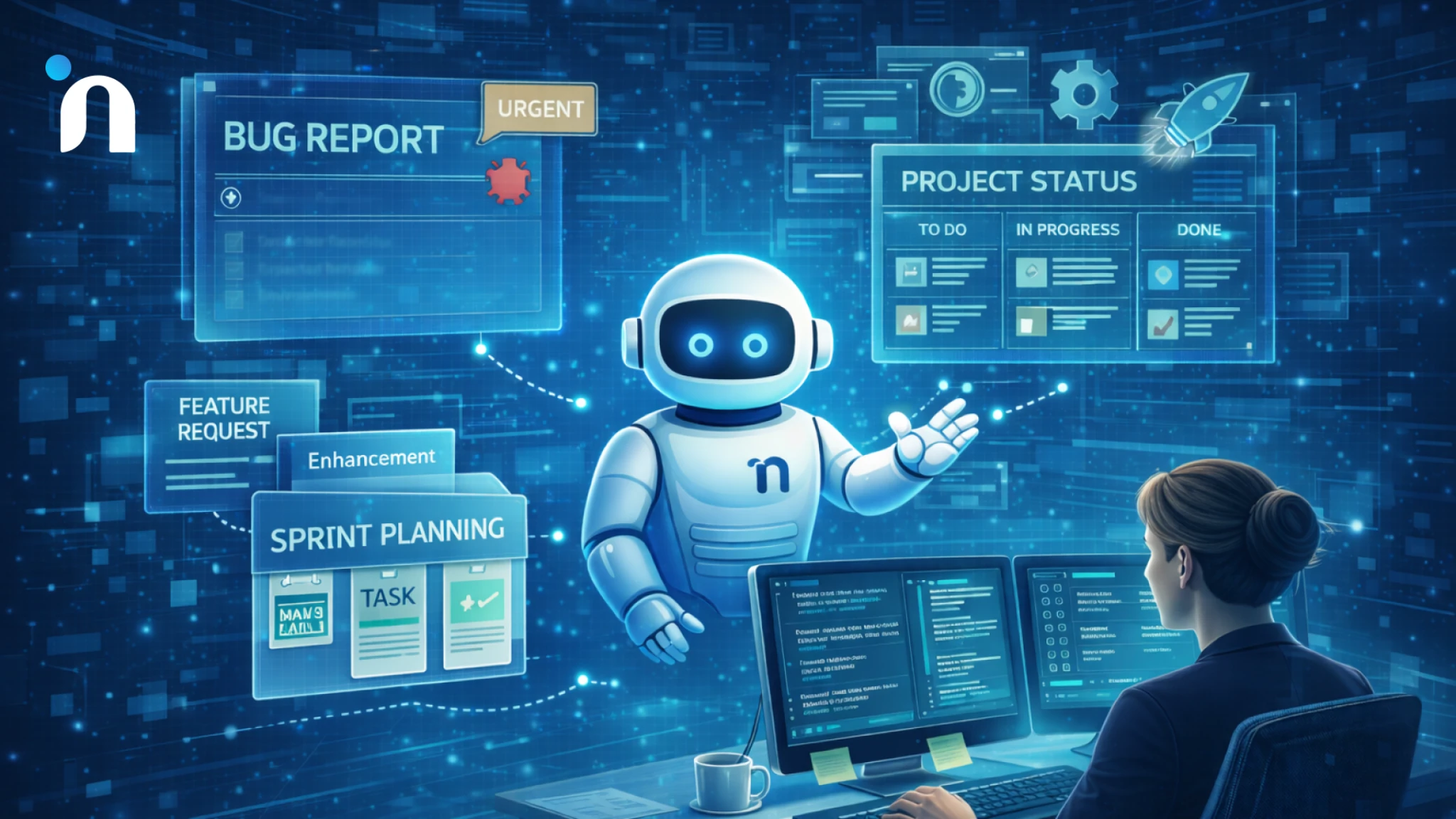
Product and engineering teams lose time in two places. First, work arrives without enough context, so engineers spend hours clarifying, reproducing, and translating requests. Second, decisions and updates scatter across tools, so the same questions get asked in standups, threads, and ticket comments. The best AI agent use cases here focus on protecting build time. That means cleaner intake, faster triage, and fewer interruptions. When an agent can standardize what gets created, enrich it with the right details, and keep status accurate, teams ship more without adding process weight. This also reduces frustration because everyone can see what is happening and what comes next.
1) Turn Messy Requests into Clean Tickets With Operations Automation
Most engineering backlogs get noisy because requests arrive as screenshots, half-descriptions, or vague messages like it is broken. An agent can turn that chaos into structured tickets by collecting the minimum required inputs, like steps to reproduce, expected behavior, environment, and urgency. It can also auto-tag the right component, add context from recent releases, and route to the right queue so work does not bounce between teams.
This works best when the agent is tied to your intake paths and ticketing rules. If you already have a defined workflow but weak enforcement, product development services can help tighten the acceptance criteria so the agent is standardizing the right information, not just creating more tickets.
2) Speed-up Bug Triage and Ownership Using Operations Automation
Bug triage often turns into a recurring meeting because ownership is unclear and evidence is incomplete. An agent can pre-triage by clustering similar issues, linking duplicates, and pulling logs or traces when available. It can suggest priority based on impact signals like frequency and affected users, then recommend an owner based on service ownership or recent code changes. Even if the suggestion is not perfect, it reduces the time spent sorting the pile.
To keep trust high, the agent should always show why it made a recommendation and what evidence it used. When something is uncertain, it routes to a human with a short summary and the supporting links.
3) Reduce Interruptions Using AI Agents for Customer Support
Engineers get interrupted by repeated questions from internal teams, like how to pull a report, where a policy lives, what the API expects, or how a feature behaves. An agent can act like internal support by answering from approved docs, surfacing the latest decision notes, and guiding people to the correct self-serve path. It should also create a ticket only when the request truly needs engineering time, with the context already captured.
The guardrail is scope. The agent should answer and route, not invent technical decisions or promise timelines. When a question touches security, billing, or customer commitments, it should escalate early. Used well, AI agents for customer support inside the company protects focus time while still keeping other teams unblocked.
Marketing and Growth Use Cases That Create Demand Without Burning the Team Out
Marketing teams do not usually lose because they lack ideas. They lose because execution gets fragmented. Content, ads, landing pages, outbound, and analytics all move in parallel, but nobody has enough time to keep every loop tight. Leads come in with missing context, follow-ups feel generic, and reporting turns into spreadsheets that show activity instead of learning. The best AI agent use cases in marketing protect focus and speed by doing the coordination work automatically. That means cleaner lead context, faster creative iteration, and tighter measurement, so growth compounds instead of resetting every week.
1) Turn Anonymous Traffic into Actionable Lead Context With Sales AI Automation
Most inbound leads get wasted because the first response is slow or irrelevant. With sales AI automation, an agent can enrich inbound forms, fill them with company context, intent signals, and the most likely use case, then route them to the right owner with a short summary. It can also draft a first reply that reflects what the lead actually asked for, not a generic template that feels like every other vendor email.
This works best when the agent is constrained to approved messaging and clear routing rules. If the lead looks high intent, it can prioritize speed. If it looks unclear, it can ask one tight question to qualify. The goal is relevance and momentum, not volume.
2) Keep Campaign Operations Tight Using Operations Automation
Campaigns stall when coordination becomes the job. UTM hygiene slips, landing pages ship late, reporting breaks, and nobody is sure which version is live. With operations automation, an agent can enforce naming conventions, generate tracking links, check launch readiness, and send timely nudges when a dependency is blocking the next step. It can also produce a weekly snapshot that highlights what moved, what did not, and where drop-offs are happening. The value is consistency and visibility. Fewer missed steps means fewer reruns and less blame.
3) Improve Lifecycle and Retention Loops With AI Agents for Customer Support
Retention often suffers because customers do not get help at the moment they need it. With AI agents for customer support, an agent can answer product questions inside onboarding flows, guide users through common setup issues, and surface the next best step based on what they have done so far. When something is complex, it can escalate with full context, so the human response is fast and specific.
This is strongest when the agent is tied to product signals and help content that stays current. The goal is fewer stuck moments and fewer silent drop-offs. It also gives marketing cleaner insight into why users churn, because issues get categorized instead of disappearing in scattered conversations.
Executive and Cross-Functional Use Cases That Stop Work From Falling Between Teams
Cross-team work breaks when nobody owns the full loop. A request starts in one department, gets reinterpreted in another, and then stalls because the next step is unclear. Leaders feel it as missed timelines, fuzzy accountability, and constant status chasing. Teams feel it as meetings that exist just to align on what should already be visible. The best AI agent use cases at this level focus on shared intake, shared visibility, and predictable escalation, so work moves without relying on heroic individuals to keep everything stitched together.
1) Create a Single Front Door for Internal Requests With Operations Automation
Most companies do not need more forms. They need one consistent way to capture requests and route them correctly. With operations automation, an agent can handle intake across chat, email, or a portal, ask the minimum required questions, and generate a structured request with the right owner, priority, and timeline. That prevents the common failure where work gets stuck because someone did not include one missing detail.
The second win is visibility. The agent can keep the request status updated and notify the right stakeholders only when something changes or needs action.
2) Keep Revenue Handoffs Tight With Sales AI Automation
Revenue work often breaks at the seams, not in the individual teams. Marketing hands a lead without context, sales pushes a deal without clear next steps, and post-sale teams inherit gaps that create churn risk. With sales AI automation, an agent can standardize what gets handed off, attach the right context automatically, and prompt owners when a deal enters a stage that requires a specific action, like security review or onboarding readiness. This works when the agent is trained on your real definitions of progress and risk. It should surface missing fields, summarize critical conversations, and flag deals that are drifting.
3) Improve Employee Experience With AI Agents for Customer Support
Employees get blocked by internal friction the same way customers do. They need answers, access, approvals, and guidance, and they need it fast. With AI agents for customer support, an internal agent can resolve common requests like policy questions, tool access guidance, and how to complete routine tasks, then route anything sensitive or unclear to a human owner with a clean summary of what was already attempted.
The value is not just fewer messages. It is fewer dead ends. The agent can make sure people reach the right owner with the right context on the first try, and it can keep the requester updated so they do not chase. Guardrails matter here, so the agent escalates early when the request touches HR, security, or finance policy.
Conclusion
The best AI agent use cases are not the flashiest ones. They are the workflows that already happen every day and quietly waste time through handoffs, missing context, and repeated follow-ups. When you map use cases by department, the pattern becomes clear. Start narrow, define the job in plain language, set guardrails that protect trust, and measure one outcome weekly. That approach keeps automation from turning into another layer of noise.
The smartest teams treat agents like workflow owners, not chat widgets. They connect them to the systems where work actually moves, make escalations clean, and keep policies explicit so humans stay in control. When that foundation is in place, AI agents for customer support, sales AI automation, and operations automation become practical levers for speed and consistency, not experiments that fade after a few demos.
If you want help picking one use case per department and turning it into a safe pilot with clear success metrics, Novura steps in as a growth and delivery partner that does the hands-on work. We help you choose the workflow, tighten the process, design the guardrails, connect the agent to your tools, and ship something your team can actually use week to week, not a demo that dies after launch.
FAQs
Q1. What are AI agent use cases?
AI agent use cases are repeatable workflows where an AI agent understands a request, pulls the right context, takes approved actions in your tools, and escalates edge cases to a human.
Q2. How do I choose the best AI agent use case to start with?
Pick one workflow that happens daily, has clear steps, and already has a definition of done. Start narrow, add guardrails, measure one metric weekly, then expand.
Q3. What is the difference between an AI agent and a chatbot?
A chatbot mainly answers questions. An AI agent can also take actions across systems, like creating tickets, updating records, routing approvals, and scheduling follow-ups.
Q4. Which departments benefit most from AI agents?
Customer support, sales, and operations usually see the fastest wins because they handle high-volume work with repeated handoffs and predictable steps.
Q5. How do AI agents help customer support teams?
AI agents for customer support can resolve common questions, triage requests, route tickets correctly, and hand off to humans with context so customers do not repeat themselves.
Q6. How do AI agents help sales teams?
Sales AI automation helps qualify inbound leads, keep follow-ups timely, and reduce pipeline rot by capturing context and prompting next steps without relying on manual reminders.
Q6. How do AI agents improve operations?
Operations automation reduces cycle time by routing requests, collecting required details, enforcing consistent steps, and keeping status visible without constant chasing.
Q7. What makes an AI agent use case risky?
Use cases are at higher risk when they involve sensitive data, money movement, compliance decisions, or unclear policies. Start with narrow workflows and strict escalation rules.
Q8. Do AI agents replace employees?
They usually remove coordination and repetitive tasks first. The biggest value is freeing people to focus on judgment work, relationship work, and exceptions.
Q9. How do I measure whether an AI agent is working?
Track one outcome metric like cycle time, first contact resolution, or error rate, and review a small sample for quality. If the metric improves without extra escalations or rework, the use case is solid.