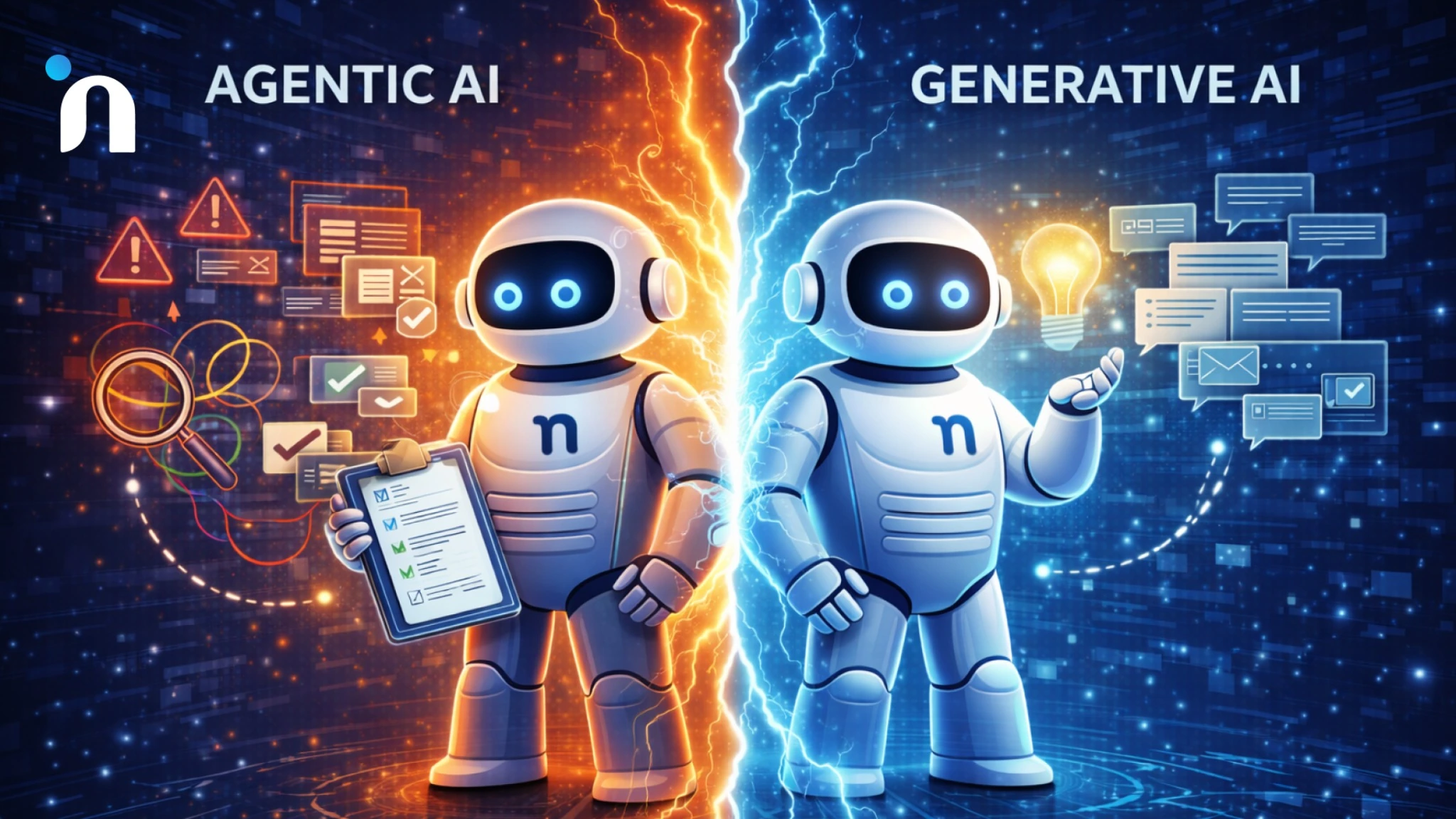
Teams usually adopt AI because work is leaking time in the same spots every day. Support queues pile up, handoffs lose context, and simple requests turn into long threads. The fastest way to fix it is knowing whether the job needs language generation or reliable action.
Most confusion comes from agentic AI vs generative AI. One produces content and answers. The other plans steps, uses tools, and closes loops with checks. When you map the difference to real generative AI use cases and agentic AI use cases, the right choice becomes obvious. You can even sanity check it against patterns like agent workflows across departments.
If you are still asking, what is agentic AI, the definition matters less than the failure modes you want to avoid.
Agentic AI vs generative AI is the difference between a system that produces language and a system that completes tasks. Generative AI is best when you need drafts, summaries, or answers that stay inside the conversation. Agentic AI is best when work must move through steps, call tools, and confirm the result before it is marked done. Many teams combine them so the model interprets intent, then the agent executes with rules and checks. The right choice depends on whether the work ends at a response or requires a verified action.
Agentic AI vs Generative AI Without the Jargon
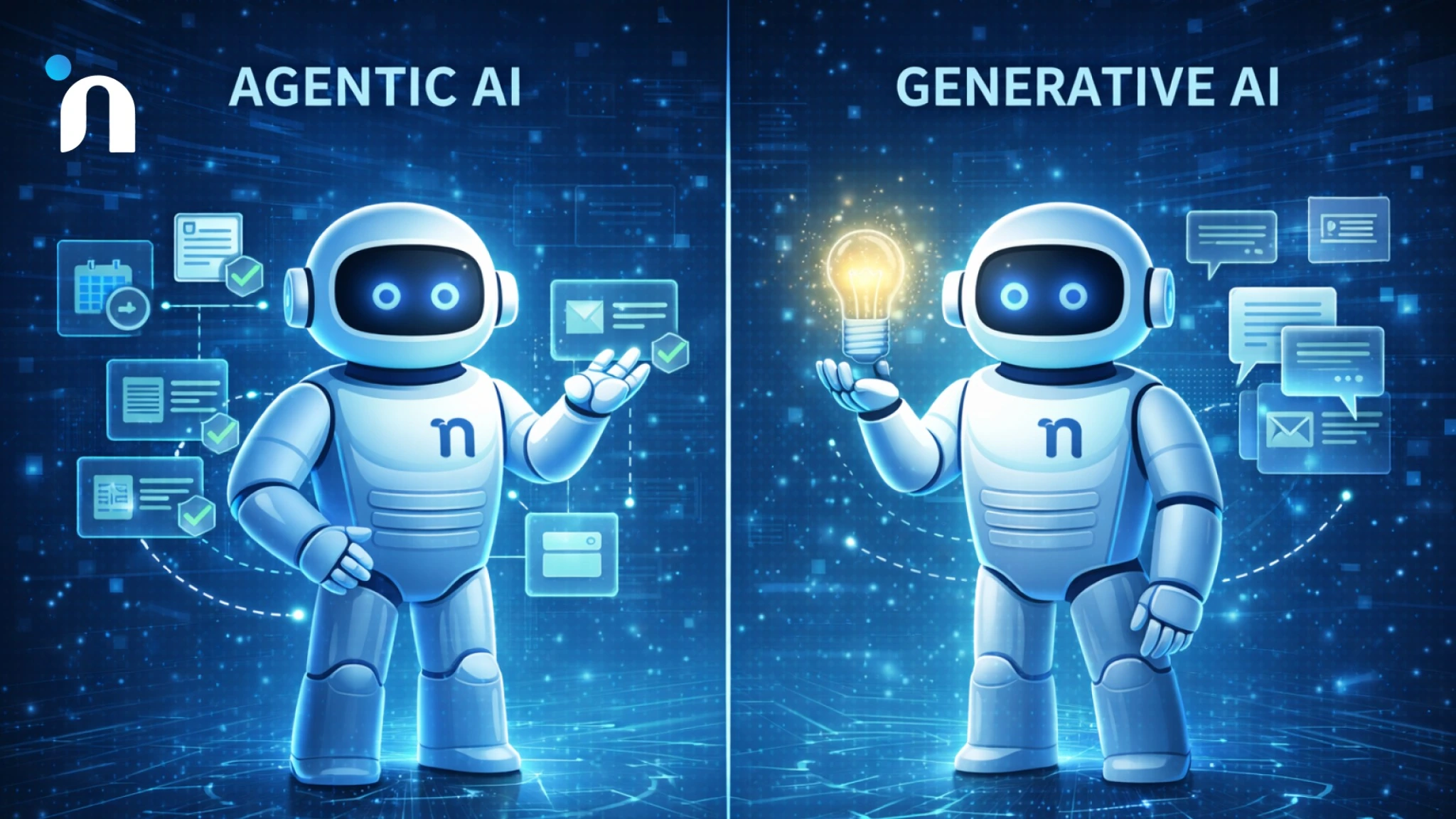
Most teams do not get stuck on definitions. They get stuck because the AI they picked cannot finish the work they care about. The easiest way to choose is to start from the workflow, not the model. If you are comparing vendors or planning AI agent development services, ask whether the outcome is a good response or a verified action inside your tools. That single check removes most confusion fast.
Agentic AI
Agentic AI is a system that can plan and act, not just respond. It takes a goal, breaks it into steps, uses tools like APIs and databases, and keeps going until it reaches a defined end state or hits a stop condition. The output is not only text. The output is the completed work.
This is why the question of what is agentic AI often becomes more practical than academic. The key difference is the loop. An agent observes what is happening, decides what to do next, performs an action, then verifies whether it worked. That loop is what lets it do things like update records, route tickets, trigger approvals, collect missing details, and reconcile outcomes across systems.
When teams start thinking in tasks rather than prompts, agentic design starts to make sense. The clearest signal is whether the system must execute steps in real tools and confirm the result. That distinction becomes easier to spot when you look at how AI agents work in real products.
Generative AI
Generative AI is best understood as a strong writer and reader that works at machine speed. You give it a prompt and context, and it produces language based on patterns it learned, like an answer, a draft, a summary, a classification, or a rewrite. It is great when the output itself is the work.
In real teams, generative systems reduce the time spent translating ideas into usable text. Think clearer emails, faster first drafts, better meeting notes, more consistent knowledge base articles, or quick explanations for customers and new hires. The value shows up as less time spent writing and less time spent hunting for wording.
The main constraint is that it does not reliably finish processes by itself. It can suggest steps, but it cannot guarantee that those steps will happen unless another system executes them and checks the result.
The Simplest Way to Choose
Most decisions get easier when you stop thinking in features and start thinking in finish lines. Ask what counts as done, who owns the last mile, and what happens when the input is wrong or incomplete. If the outcome is a high-quality response, generation is enough. If the outcome is a verified change in a system, you are in agent territory. That framing prevents expensive detours.
Agentic AI vs Generative AI: Side-by-Side
| What You Care About | Generative AI | Agentic AI |
|---|---|---|
| Primary output | Content and answers | Actions and outcomes |
| What “done” means | A good response is produced | A task is completed correctly |
| Tool access | Optional | Usually required |
| Typical workflow | Prompt → generate → human review | Plan → call tools → verify → act |
| Verification | Often soft checks | Stronger checks, rules, logs |
| Best for | Writing, summarizing, ideation, Q&A | Ticket routing, CRM updates, scheduling, approvals, multi-step ops |
| Risk profile | Wrong info, bad tone, weak reasoning | Wrong action, permission issues, workflow errors |
| Common failure mode | Sounds right, but is wrong | Executes the wrong step or on the wrong record |
| Success metrics | Quality, relevance, and time saved | Cycle time, error rate, completion rate, and auditability |
The simplest way to think about it:
Generative AI helps you say the right thing.
Agentic AI helps you do the right thing in the tools your team already uses.
Use Agentic AI When
Use it when the work is not finished until something changes in your tools, and that change can be checked. This is where agents earn their keep because they can follow steps, call systems, handle exceptions, and confirm results before marking anything complete. The difference is execution, not clever phrasing.
The best agentic AI use cases look like a dependable operations teammate. They route and enrich tickets, request missing details, trigger approvals, update records, and keep status accurate across tools. When you design this well, you reduce handoffs and reduce the silent failures that happen when tasks live in chats and spreadsheets.
Examples that create real leverage
• Support ticket triage that applies rules, tags urgency, and assigns the right owner
• Sales ops follow-ups that update the CRM after replies and schedule the next step
• Back office intake that validates fields, routes approvals, and logs decisions
If you want a reality check on outcomes, the cleanest lens is metrics that matter after launch.
Use Generative AI When
Use it when language is the deliverable and a human can do the final judgment call. This is the sweet spot for drafting, summarizing, classifying, rewriting, and turning messy notes into something a team can actually use. The payoff shows up fast because there is no dependency on deep tool access or complex automation.
The most valuable generative AI use cases are the ones that remove writing debt and context debt. Think first drafts that get you to a usable version sooner, internal answers that reduce repeated questions, or customer responses that keep tone consistent while still leaving room for human review.
Practical examples that usually work well
• Turning call transcripts into clean follow-ups and meeting notes
• Extracting key fields from emails and documents into a structured summary
• Generating help center articles, release notes, and internal SOP drafts
• Drafting support replies that match your policy and product terminology
Use Both Together When
Most production setups blend the two because language is messy and execution must be consistent. Generative AI interprets the request, pulls out structured intent, and drafts the right message or plan. An agent then carries that intent through tools with rules, checks, and fallbacks, so the outcome is completed work, not just a smart-sounding response.
This combo is often the cleanest answer to agentic AI vs generative AI because it matches how work actually happens across teams. It is also the easiest way to scale safely because you can keep humans in the loop while automation handles the repeatable parts.
Quick Decision Checklist
If you are still on the fence, you are normal. The names make it sound complicated, but the decision is usually simple. Run through this quick checklist and go with the result. You can always adjust after you test it in one workflow.
- Do you need the AI to change something inside a tool like a CRM, helpdesk, or spreadsheet?
- Yes → Agentic AI
- No → Generative AI is often enough
- Does the work require multiple steps that must happen in the right order?
- Yes → Agentic AI
- No → Generative AI
- Do you need an audit trail or a clear record of what happened and why?
- Yes → Agentic AI
- No → Either
- Is there a real cost if it is wrong, like money, compliance, or customer impact?
- Yes → Agentic AI with guardrails and approvals
- No → Generative AI is fine for drafts and speed
- Does the work need approvals before anything gets executed?
- Yes → Agentic AI with human handoff
- No → Either
- Is the input messy, like emails, chats, call notes, or long tickets?
- Yes → Use both together
- No → Either
- Do you need the system to pull fresh data before answering?
- Yes → Agentic AI or a hybrid setup
- No → Generative AI
- Are you trying to reduce manual follow-through, not just write faster?
- Yes → Agentic AI
- No → Generative AI
If you got mostly Yes answers
You are looking for Agentic AI.
If you got mostly No answers
You are looking for Generative AI.
If you said Yes to both messy input and real actions
You want a hybrid. Generative AI to interpret and draft, plus an agent to execute with checks.
Real Examples in Products
Real product wins come from choosing the right behavior for the workflow, not the flashiest demo. In agentic AI vs generative AI, the difference becomes obvious when customers expect an outcome, not an answer. The examples below show where generative AI use cases stop being enough and where agentic AI use cases create leverage. These patterns also guide scoping for AI agent development services, so pilots stay safe and measurable.
1) Customer Support
Support is where the difference shows up immediately because volume and urgency collide. Generative AI helps when the slowdown is writing and retrieval. It drafts replies in the right tone, summarizes long threads, turns chat logs into clean tickets, and suggests next steps based on your policy and product docs. That reduces response time, but it still relies on humans to execute anything that changes an account.
Agentic AI helps when the friction point is follow-through. It can collect missing fields, route the ticket to the right queue, check account status, trigger a refund workflow with limits, or update the case once an action is confirmed. The win is fewer handoffs and fewer tickets that stall because someone forgot the next step.
A good pattern is combining both. The system generates a clear response and internal note, then the agent runs the required steps and logs what happened so the team can trust the outcome. This also ties into the practical tradeoffs between AI voice agents and chatbots.
2) Sales Ops
Sales teams lose time in the gaps between conversations and systems. Generative AI helps by turning calls into structured notes, drafting follow-ups that reference specific pain points, and producing tailored snippets for outbound without making every rep start from scratch. It also helps managers spot trends by summarizing objections and dealing with risks across notes.
Agentic AI becomes useful when deal hygiene is the problem. An agent can update the CRM after a call, create tasks, move stages when criteria are met, schedule reminders, and pull context from product usage or billing before a renewal conversation. When it is designed well, the pipeline becomes cleaner without adding admin burden.
This is often where the handoff rules matter most. Agents should not send pricing changes or commit terms without explicit approval, but they can prepare everything so humans only make the final decision.
3) Internal Workflows
Internal requests are full of ambiguity. People ask for access, data pulls, approvals, and status updates with missing context and no consistent format. Generative AI helps by turning unstructured asks into clean summaries, translating messages into required fields, and answering repeated questions so ops teams stop being a help desk for their own company.
Agentic AI helps when the workflow spans tools like identity, ticketing, finance, and project management. It can validate the request, check policy, route to the right approver, and only execute the action once the approval is recorded. That is where automation reduces cycle time without creating shadow processes.
4) Marketing Ops
Generative AI is the fun part of marketing because it helps you create faster. You feed it a rough idea, and it gives you ad copy variants, landing page angles, email sequences, creative briefs, and content outlines that are good enough to shape into something real. This is where AI copilots shine because the deliverable is language. You are still the editor, but you stop staring at a blank page.
Agentic AI shows up when the work is not just writing, it is getting campaigns to ship cleanly. Someone has to make sure the right UTM parameters are used, links work, form tracking is correct, assets are in the right folders, and approvals are captured before anything goes live. That is workflow automation. An agentic AI system can handle those steps across tools like HubSpot, Salesforce, GA4, a CMS, and project boards, then log what changed and why.
The hybrid setup is usually the sweet spot. Let generative AI handle the creative drafting, then let an agent check rules and coordinate steps so you do not lose hours in marketing ops cleanup. That mix is also easier to scale because it reduces the quiet chaos that happens when ten small tasks sit between a great idea and a live campaign.
Finance Ops
Generative AI helps when finance teams are dealing with messy language and long threads. It can summarize invoices, extract key details from emails, rewrite vendor requests clearly, and turn a confusing explanation into something a stakeholder can actually understand. That is valuable, but it is still mostly support work because it stops at information.
Agentic AI is what you use when the workflow must complete inside systems. That can look like pulling invoice fields, matching a PO, flagging exceptions, routing approvals, syncing to accounting software, and updating records automatically based on rules. This is where LLM agents and autonomous agents need guardrails, because the wrong action can create real financial issues. So the system should be built around verification, thresholds, and an audit trail.
A practical way to use both is to let generative AI interpret and structure the input, then let agentic AI execute the approved steps. It feels less like “we added AI” and more like “we removed the manual follow-through.” And because finance is naturally process-heavy, it is one of the best places to prove ROI with clear metrics like cycle time, exception rate, and approval turnaround.
IT and SecOps
Generative AI is great for internal guidance. It can explain what a log entry means, summarize an incident timeline, draft a post-incident recap, and turn tribal knowledge into step-by-step runbooks. Think of it as an AI assistant that helps people understand and communicate faster, especially when the information is scattered across tickets and chats.
Agentic AI is different because it is about controlled execution. Access requests, password reset flows, creating ServiceNow tickets, running approved scripts, collecting incident evidence, and coordinating handoffs across tools. In IT and security, the work often requires tool use, strict permissions, and traceability. That is why agentic AI needs least privilege access, logging, and clear stop conditions, not just a smart model.
The safest pattern is “draft then approve” for anything sensitive. Let the system propose actions, show exactly what it will do, and require human approval when risk is high. That keeps the benefits of AI automation while still respecting the reality of security workflows. In the U.S. market, especially, buyers look for this kind of operational control, not just clever outputs.
HR Ops
Generative AI helps HR communicate. It can rewrite policy language so it is easier to understand, draft onboarding emails, generate job descriptions, and turn messy notes into structured updates. This is useful because HR work is full of questions that repeat, and a good AI assistant can reduce the load without feeling robotic.
Agentic AI helps when HR work becomes a multi-step process across tools. Creating onboarding tasks, routing equipment requests, scheduling orientation, updating HRIS fields, and triggering reminders across email and Slack. This is where agentic AI use cases are very real because HR operations are basically workflows with lots of handoffs. When it is done right, it does not replace the human part of HR. It removes the admin drag that steals time from it.
The hybrid approach is usually best here too. People ask questions in messy natural language, and generative AI can interpret that quickly. Then an agent can trigger the right workflow with checks, permissions, and a clean record of what happened. That is what makes it scalable for growing teams, especially in U.S. companies where onboarding volume ramps fast and consistency matters.
What the Architecture Looks Like
When people compare agentic AI vs generative AI, the difference is not just the output. It is the setup behind it. Generative AI can be powerful with nothing more than a prompt, because the job often ends at a response. Agentic AI needs a bit more structure because the job ends at a verified action inside real systems.
The good news is you do not need a complicated diagram to understand it. Most reliable setups are made of a few simple parts working together. Once you see these building blocks, it becomes easier to design workflows that are safe, measurable, and actually useful in day-to-day operations.
The Model
Think of the model as the brain that handles language. It reads messy input like emails, tickets, call notes, or a long Slack thread and turns it into something structured. This is the part people usually mean when they say “generative AI,” because it is great at drafting and summarizing.
But the model alone does not “do” anything in your systems. It can suggest what should happen, but it cannot verify account status, update a CRM field, or open a ticket unless it is connected to tools. That is why agentic AI feels different in practice.
A good setup uses the model for what it is best at. Understanding intent, extracting details, writing drafts, and turning human language into clear instructions that a system can execute.
The Orchestrator (The Agent Loop)
The orchestrator is what turns intelligence into a reliable workflow. It decides what steps to take, in what order, and what to do if something is missing. This is where LLM agents go from smart to useful, because you are not just generating text, you are running a process.
In an agentic AI workflow, the system might plan a few steps, call tools, check results, then continue or stop. That loop is the difference between a chatbot that talks and an autonomous agent that can complete tasks with verification.
This is also where you see the practical difference in agentic AI vs generative AI. One produces a strong response. The other coordinates steps, checks results, and moves work forward with rules.
Tools and Integration
Tools are how the agent interacts with the real world inside your company. That can be Salesforce, HubSpot, Zendesk, ServiceNow, Jira, Google Sheets, internal databases, and APIs. Tool use is what allows the agent to fetch fresh information and take action instead of working from assumptions.
This is also where you control permissions. An agent does not need full access to everything. The best practice is least privilege, meaning it only gets access to the actions it truly needs to perform.
When this is done well, the AI automation feels boring in the best way. It is consistent, logged, and measurable, and it reduces the manual follow-through work that eats time every week.
Memory and Context (When RAG Makes Sense)
Some tasks require context beyond what is in the prompt. That is where retrieval comes in. Instead of hoping the model remembers your policies, docs, or product details, you fetch the right information at the moment it is needed.
RAG is useful when answers must be grounded in your own knowledge base. Support policies, pricing rules, internal SOPs, onboarding steps, and product documentation. It helps reduce confident-sounding mistakes because the system can reference the right material before acting.
The key is to keep retrieval focused. Pull only what is needed for the task, and treat it as evidence the agent must use, not optional reading.
Evaluation and Monitoring
If you want this to work in production, you need a way to measure it. For generative AI, that might be response quality, consistency, and whether it matches policy. For agentic AI, you care about completion rate, error rate, time saved, and whether actions were correct.
Monitoring is not just dashboards. It is also guardrails. Logging what the agent attempted, what tool calls it made, what it changed, and when it escalated to a human. That is how you build trust with internal teams.
Once you can measure it, you can improve it. That is when these systems stop being demos and start becoming reliable parts of daily operations.
Risks and Guardrails
Agentic systems are powerful for the same reason they need guardrails. They do not just generate an answer. They can touch workflows, records, and customer outcomes. That means the job is not only to make the AI smart. The job is to make it safe, predictable, and easy to audit.
When teams weigh agentic AI vs generative AI, this is the part that matters most in production. Generative AI usually stops at a response, so mistakes are easier to catch and correct. Agentic AI can move work forward inside real systems, so you design guardrails first, then scale the automation.
Gartner predicts over 40% of agentic AI projects will be canceled by the end of 2027, citing rising costs, unclear value, and inadequate risk controls.
The fix is not avoiding agents. The fix is building them like production software with explicit boundaries.
Hallucinations and Fake Certainty
Generative AI can sound confident even when it is wrong. In low-risk situations, that might just be annoying. In customer support, finance, or operations, it can create misinformation that turns into real work later. The risk is not only hallucinations. It is the tone of certainty that makes bad output feel reliable.
The first guardrail is grounding. If the model is answering based on your policies, product docs, or internal knowledge, retrieval should pull the exact sources it needs before it responds. If it cannot find support, it should say so and ask for what it needs. That one behavior alone prevents a lot of messy rework.
The second guardrail is a definition of done. For example, the answer must reference the policy section used, or the response must include the missing fields needed to proceed. When you make the requirements explicit, output quality becomes measurable instead of vibe-based.
Tool Errors and Wrong Actions
Tool use is where agentic AI delivers real value, and also where it can cause real damage. A wrong update in a CRM, a ticket routed to the wrong queue, or an incorrect refund workflow can cost time and trust. This is why autonomous agents should not be treated like interns with admin access.
The guardrail here is verification plus constraints. Every tool call should be limited to what is needed, and important actions should require checks. For example, confirm the account status before changing a subscription. Validate the ticket category before routing. Confirm totals before approving anything financial. These are small rules that make the system reliable.
A strong pattern is plan, then act. The agent generates a short plan, shows what it intends to do, then executes step by step with validation. When something does not match expectations, it pauses instead of guessing. This also makes debugging easier because you can see what it tried to do and why.
Permissions, Audit Logs, and Least Privilege
Access control is non-negotiable for real deployments. If an agent can do everything, eventually it will do something you did not intend. The goal is least privilege. Give it only the permissions required for the specific workflow, not broad access, just in case.
Audit logs matter just as much. In many U.S. teams, the first question after can it do this is can we trace what happened. You want a record of what the agent read, what tools it called, what it changed, and whether a human approved it. That is what makes AI automation trustworthy in operations.
A practical implementation is role-based access plus action scopes. For example, an agent can create a ticket but cannot close it. It can draft a refund request, but cannot execute it without approval. It can suggest CRM updates, but cannot push them unless the required fields are present. These constraints keep the system useful without making it risky.
Human Handoff and Approval Patterns
Human handoff is not a weakness. It is part of a good system design. The goal is not to automate everything. The goal is to automate what is safe and repeatable, and escalate what needs judgment. This is where agentic workflows feel mature instead of experimental.
A simple way to implement this is with thresholds and gates. Low-risk actions can run automatically. Medium-risk actions require a quick approval. High-risk actions always require a human owner. For example, routing a ticket might be automatic. Issuing a refund over a certain amount requires approval. Changing billing details, permissions, or anything compliance sensitive should always pause for review. You can tune these thresholds over time, but you want them from day one.
When the agent hands off, it should do it cleanly. That means a short summary of the situation, what it already checked, what it tried, and the exact decision it needs from a human. It should also use a safe fallback language when it cannot verify something, like I can’t confirm X from the available data. If you share Y, I can proceed, or this action exceeds the approval limit, please approve or reject. That keeps your team in control while still removing most of the busywork.
ROI and Metrics: How Teams Prove It Worked
If you want this to stick internally, you need a way to prove value that is measurable. A common mistake is judging AI by how impressive it sounds instead of what it changes in operations. In real workflows, what matters is whether work moves faster with fewer errors and less rework.
Start with one workflow and define what good looks like before you automate. For generative AI, that might mean fewer rewrites, faster first drafts, or stronger response quality. For agentic workflows, it is even clearer because the system is completing tasks, not just producing text. When teams compare agentic AI vs generative AI, this is often where the decision becomes obvious.
Here are metrics that hold up because they map to output. Pick a small set, track for a few weeks, then expand once the numbers look stable.
Speed Metrics
- Time to first response for support and customer success
- Cycle time from request to completion
- Time saved per case on repetitive tasks
- Queue clearance rate during peak volume
Quality and Reliability Metrics
- Completion rate for automated workflows
- Error rate and rollback rate when actions need to be reversed
- Escalation rate to humans and why escalations happen
- Policy compliance rate for customer-facing responses
Business Metrics
- CSAT movement in support flows
- Revenue impact from cleaner pipeline updates and faster follow-up
- Cost per ticket or cost per workflow over time
- Retention impact when customer friction drops
Trust and Governance Metrics
- Approval rate for gated actions
- Audit coverage, meaning how often actions are logged with context
- Permission exceptions, meaning how often the agent is blocked for access reasons
- Performance drift signals as inputs evolve
Common Mistakes Teams Make When Choosing Between the Two
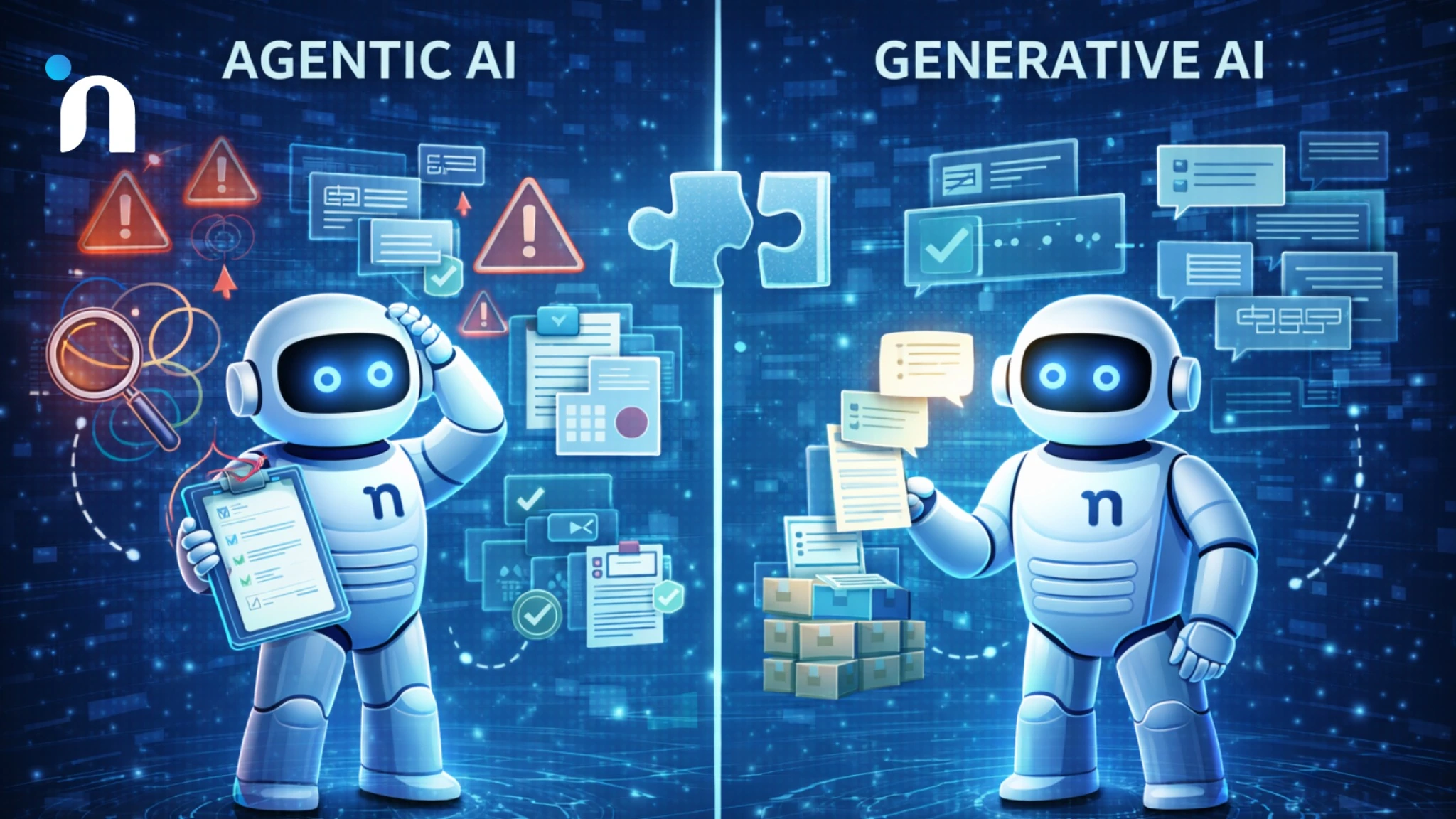
Most teams do not struggle because the AI is weak. They struggle because the workflow is unclear, guardrails are missing, or success is not defined upfront. When teams compare agentic AI vs generative AI, these mistakes usually show up during the jump from experimenting to real production. Each section below is laid out for a quick scan so you can spot what is going wrong and fix it fast.
1) Starting with the Wrong Use Case
Symptom
You launch something that demos well, but nobody relies on. It sounds smart, yet the team keeps doing the work manually.
Why it happens
The use case is chosen for novelty instead of impact. Generative AI gets applied to tasks that already work fine, or agentic automation gets aimed at workflows that are too messy to automate safely at the start.
Fix
Start where there is repeatable volume and clear rules. Pick one workflow, define what “done” means, then expand once it performs consistently.
2) No Clear Definition of “Done”
Symptom
The AI produces output, but nobody knows if it is correct. Reviews become subjective, and results are inconsistent.
Why it happens
Teams measure “good responses” without specifying requirements. The system is not being evaluated against policy, data checks, or completion criteria.
Fix
Write explicit requirements. For example, must include required fields, must reference the policy used, must log the action taken, and must stop and escalate if verification fails.
3) Skipping Evaluation and Monitoring
Symptom
It works in week one, then quality drifts. Errors show up randomly, and nobody can pinpoint why.
Why it happens
The workflow has no baseline metrics and no monitoring. Without logs and measurements, issues look like “AI being weird” instead of a fixable system problem.
Fix
Track completion rate, error rate, escalation rate, and cycle time. Log tool calls and outcomes so you can see what changed when something breaks.
4) Giving Too Much Access Too Soon
Symptom
People are nervous to use it because one wrong action could cause damage. Or worse, a wrong change slips through.
Why it happens
The agent is given broad permissions and can take actions without constraints. That makes the workflow powerful, but fragile and risky.
Fix
Use least privilege access. Add thresholds, approvals, and action limits. Make high-impact actions gated by a human owner.
5) Over-Automating Before the Workflow Is Stable
Symptom
You try to automate the whole process, and it turns into a constant cleanup loop.
Why it happens
The workflow itself is not standardized, so the system has too many edge cases. This is where agents struggle because the rules are not clear yet.
Fix
Automate one slice first. Stabilize it, then expand step by step. Treat it like product development, not a one-shot rollout.
6) Treating Safety as an Afterthought
Symptom
Security and compliance questions show up late, and progress slows down.
Why it happens
Guardrails, logging, and approval patterns are added after the system is already designed, which forces rework.
Fix
Design guardrails first. Add audit logs, approval gates, and safe fallback behavior from the start, then scale.
Conclusion
The difference between generative AI and agentic AI is not about which one is “better.” It is about what the work needs at the finish line. If the job ends with a strong response, generative AI is often enough. If the job must end with a verified action inside real tools, agentic AI is the better fit.
When you think about agentic AI vs generative AI, the safest approach is to start with one workflow, define what “done” means, and build guardrails before you scale. That means least privilege access, verification steps, audit logs, and human approvals where the risk is real.
Done right, you get more than faster writing or faster tasks. You get work that moves forward consistently, with fewer handoffs and less cleanup, and a setup you can expand without losing control.
Novura helps teams make that choice concrete, then ship the smallest version that works in production. We scope the workflow, define guardrails like permissions and handoffs, and build the execution loop around your real tools so the system can be trusted. If you need help turning an AI idea into something measurable and safe, we can support the pilot, implementation, and iteration until outcomes are consistent.
FAQs
Q1. What is the difference between agentic AI and generative AI?
Agentic AI vs generative AI is output versus outcomes. Generative AI produces language, while agentic AI executes steps in tools and confirms results.
Q2. Can generative AI be an AI agent?
Not by itself. Generative AI can plan and suggest actions, but an agent needs tool access, rules, and a verification loop to actually complete tasks.
Q3. What are the safest starting points for generative AI use?
The strongest generative AI use cases are drafting, summarizing, classification, and extracting structured information from messy text. These are low risk because a human can review before anything changes in a system.
Q4. When does agentic AI make the most sense?
The best agentic AI use cases are workflows with a clear definition of done, like routing, approvals, and updates across systems. If success can be verified, agents can be designed to act safely and stop when they cannot.
Q5. How do you prevent AI agents from doing the wrong thing?
Use least privilege permissions, action allow lists, and human approval for sensitive steps. Require audit logs so every action and decision can be traced.
Q6. How will AI agents change research inside companies?
How AI agents will change research is less about replacing analysts and more about speeding up the collection and comparison of sources. Humans still need to verify evidence quality and approve conclusions when decisions have a real impact.
Q7. What should you look for in AI agent development services?
Good AI agent development services define guardrails first, then build the execution loop around real workflows. They should be clear about permissions, handoffs, monitoring, and what success metrics will be used.