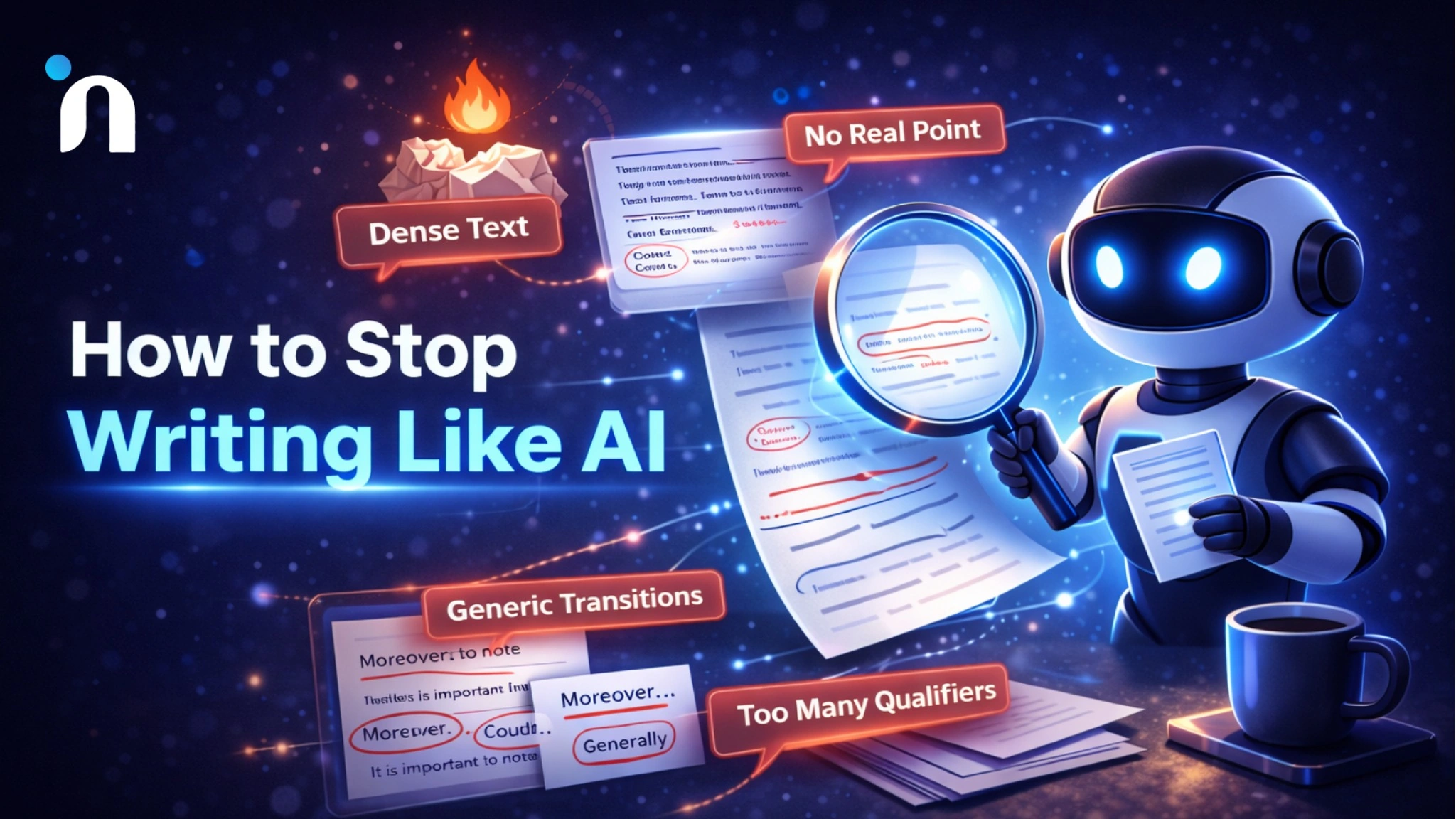
You know that moment when you paste something into an AI tool, and it comes back sounding like a perfectly polite robot giving a TED Talk to other robots.
Technically correct. Smooth. Weirdly empty.
If you are trying to figure out how to stop writing like AI, the fix is not hunting for a magical prompt. The fix is giving the model rules it cannot wiggle out of, then running a simple rewrite loop that forces a human voice back into the sentence.
I use this when I want a copy that sounds like me. Not like a generic internet narrator.
Let’s start with the quickest way to spot the “AI tells” that give it away, because once you see them, you cannot unsee them.
The AI Writing Tells You Can Spot from A Mile Away
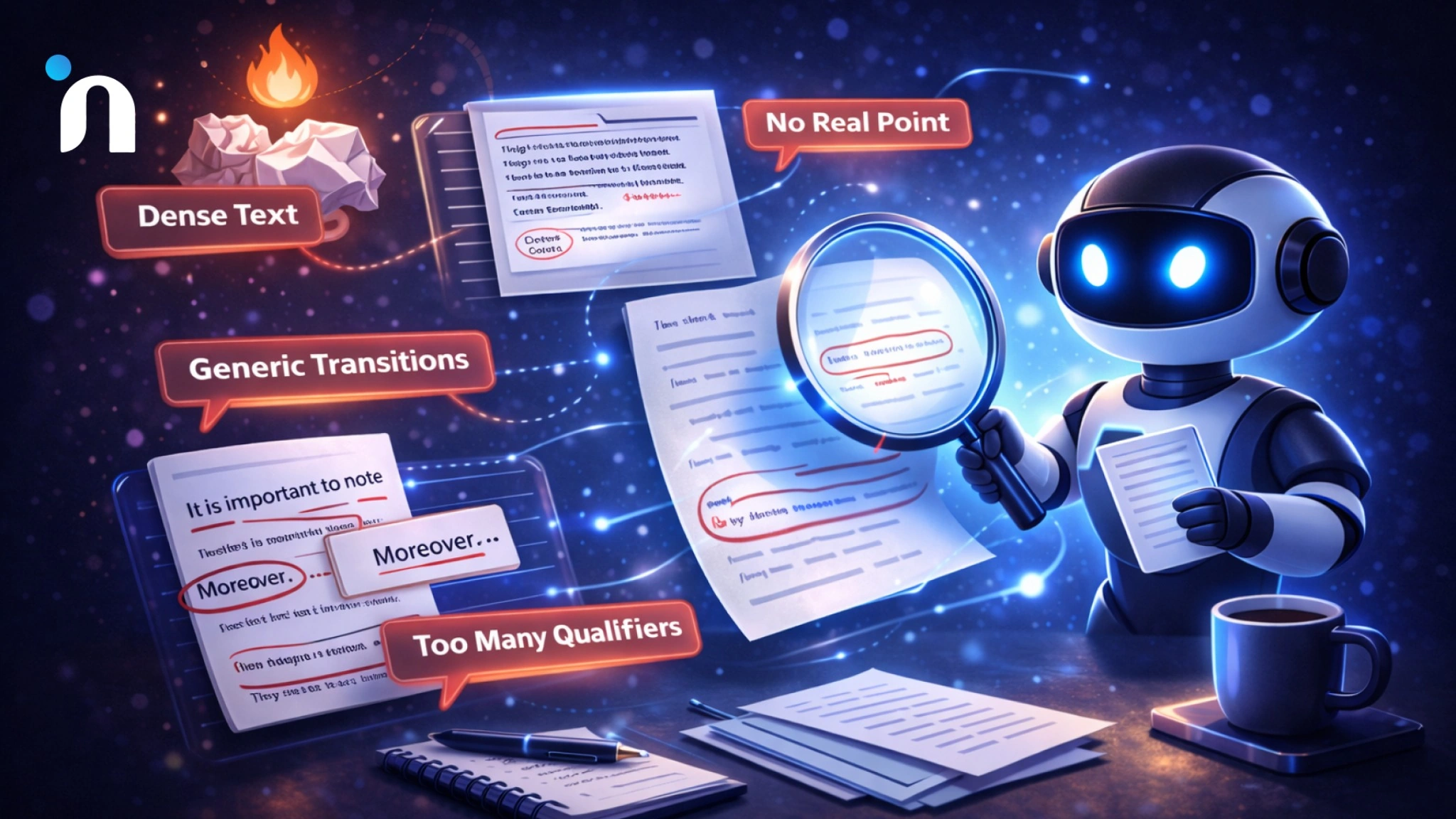
Once you notice these, you will start seeing them everywhere. In LinkedIn posts. In emails. In landing pages. In your own drafts when you are moving too fast.
Here are the biggest AI writing tells.
1) It Says A Lot But Commits to Nothing
You get a paragraph that sounds confident, but if you underline the actual point, there is barely a point.
A human usually has a stance. Even a small one.
2) The Rhythm is Too Perfect
Same length sentences. Same pacing. Same smoothness. It reads like it was engineered to offend nobody.
Real writing has bumps. It speeds up, slows down, and occasionally drops a short, punchy line.
3) Generic Transitions Everywhere
You know the ones. In today’s world. Additionally. Moreover. It is important to note.
That is how you accidentally write in a generic voice even when your idea is good.
4) Too Many Qualifiers
It tends to hedge. A lot. Might. Could. Potentially. Often. Generally.
Some hedging is fine. A wall of it makes the writing feel like it is afraid of being perceived.
5) The Personality is Missing
No specific detail. No tiny opinion. No real example. No human moment.
That is why it feels like AI. It is trying to be universally acceptable.
Mini Examples that Make the Pattern Obvious
Instead of keeping this theoretical, let’s do a fast pattern check. I will show you the exact kind of lines that make people think, yep, this was generated. Then we fix them in one move.
Example 1: The “Announcer Voice”
What it Often Sounds Like
This highlights the importance of clear communication and underscores the need for alignment across teams.
Why it Screams AI
It is doing a lot of throat clearing. No concrete claim. No real detail. Just vibes.
How to Humanize it
We kept losing time in handoffs, so we wrote down who owns what. The confusion dropped instantly.
Example 2: It’s not X, it’s Y
What it Often Sounds Like
It’s not about writing faster, it’s about writing smarter.
Why it Screams AI
It is a tidy rhetorical trick that replaces a real point with a slogan.
How to Humanize it
I use AI for one thing. Getting a messy first draft fast, so I can edit like a human.
Example 3: Not A. Not B. Not C. But D.
What it Often Sounds Like
Not speed. Not scale. Not automation. But transformation.
Why it Screams AI
Overly polished cadence, heavy on drama, light on meaning.
How to Humanize it
This helped because it removed one annoying step in my workflow. That is the whole win.
Example 4: Here’s the Kicker, Plot Twist, Bottom Line, Key Takeaway
What it Often Sounds Like
Here’s the kicker. The key takeaway is that this strategy can unlock results at scale.
Why it Screams AI
It announces that a point is coming, then delivers another generic sentence.
How to Humanize it
The only thing you need is a rule list the tool has to follow, then a two-pass rewrite.
Example 5: The “Importance Inflation”
What it Often Sounds Like
This represents a pivotal moment that underscores a new era of innovation.
Why it Screams AI
It inflates significance, especially when the topic is normal and practical.
How to Humanize it
This is useful when you have to write the same kind of message every week, and you are tired.
Now for the fun part. We are going to stop fighting the model and start controlling it by giving it a reusable rule set that it must follow.
The Fix in One Sentence
The fastest way I have found to stop sounding robotic is simple.
Create a short Style Guardrails doc that tells the tool what to avoid and what to do instead, then make every rewrite follow it.
That is the whole trick.
You are not asking the model to be creative. You are giving it constraints, like rails on a road. Without them, it defaults to safe, generic, polished nothingness.
With them, it gets weirdly good, fast.
If you want to make this stick, combine it with a 10-minute daily AI routine, and you will stop overthinking and start shipping.
Now let’s build your guardrails so you can reuse them whenever you need.
Build Your Style Guardrails Doc
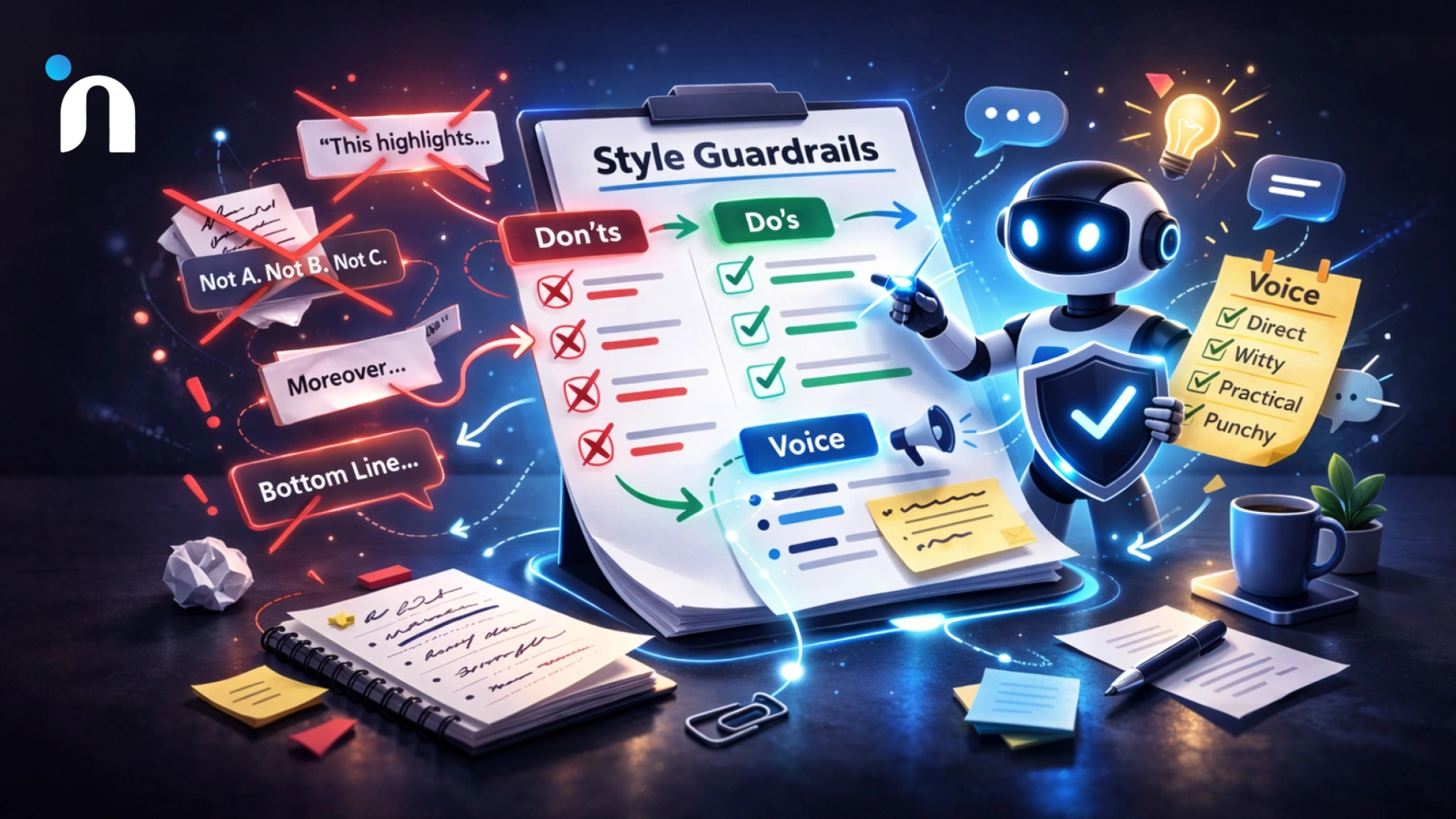
This is the part that makes everything else easier.
Instead of begging the tool to sound more human every single time, you give it a short rule set it has to follow. Think of it like your writing house rules. This is one of the fastest ways to learn how to stop writing like AI without over-editing every draft.
Keep it simple. One page. Bullet rules. Easy to reuse.
Step 1: Start With a Don’t List
These are the patterns you want to block on sight. They are the loudest AI writing tells.
- No announcer phrases like this highlights, the key takeaway, the bottom line, and now for the plot twist
- No it is not X, it is Y
- No Not A. Not B. Not C. But D
- No generic transitions like moreover, additionally, in today’s world
- No importance inflation like pivotal, groundbreaking, transformative unless you can prove it with a concrete example
- No fluffy filler sentences that say nothing
- No overly balanced hedging like might, could, potentially in every line
Step 2: Add a Do List
These are the behaviors you want instead.
- Lead with the point in plain language
- Use shorter sentences mixed with longer ones
- Add one concrete example or detail
- Use normal words you would actually say out loud
- Prefer verbs over abstract nouns
- Keep it specific, even if it is less polished
Step 3: Add Your Voice Ingredients
This is where you start to make AI writing sound human.
Pick any 3 to 5.
- A bit direct
- A bit witty
- Practical and slightly opinionated
- Short, punchy sentences allowed
- Friendly but not salesy
Step 4: Save it as Your Reusable File
Name it something obvious, like Style Guardrails.
You will paste this at the top of your prompt anytime you rewrite.
Up next, I will give you the exact prompt that forces the tool to follow these rules before it writes a single sentence.
The Prompt that Forces Compliance
Now you have guardrails. The next step is making the tool actually obey them.
Here is the prompt I use when I want to stop fighting the draft and stop guessing if it sounds human. It is also the fastest way I know to humanize ChatGPT output without turning editing into a second job.
Paste your Style Guardrails first, then paste the text you want to rewrite, then use this.
Prompt
Read the Style Guardrails above and follow them strictly.
First, list the top 5 lines or phrases in my text that trigger AI writing tells.
Then ask me 2 questions that would make the rewrite more specific.
After I answer, rewrite the text in my voice.
Keep it clear, slightly opinionated, and practical.
Avoid announcer phrases, avoid it is not X it is Y, and avoid Not A. Not B. Not C. But D.
End with one punchy line, not a summary.
Why This Works
Most prompts tell the tool what to do. This one also tells it what to stop doing.
You are training it to catch the patterns first, then rewrite with constraints. That is how you avoid the polished generic tone that screams AI.
Cool, now we run it through a two-pass rewrite loop that strips the robot voice first, then puts your voice back in.
The Two-Pass Rewrite Loop
This is the part that makes the whole system feel unfairly effective.
If you are serious about how to stop writing like AI, this is the habit that does it. One pass removes the robot voice. The second pass puts you back in.
Pass 1: Remove the AI Patterns
Paste your text and say
- Rewrite this while following the Style Guardrails.
- Cut filler. Remove generic transitions. Remove announcer phrases.
- Make the point obvious in the first two lines.
- Keep it short and specific.
This pass is all about subtraction. You are deleting the stuff that triggers AI writing tells.
Pass 2: Add Your Voice and Specificity
Now take the improved version and say
- Rewrite again in my voice.
- Add one concrete example, detail, or decision rule.
- Use varied sentence length.
- Make it sound like something I would actually say out loud.
This is where you make AI writing sound human. Specificity is the cheat code. A tiny detail does more than a hundred fancy words.
Tiny Rule that Fixes Most Drafts
If the draft feels generic, it probably needs one of these
- A real example
- A real number
- A real constraint
- A real opinion
Because humans do not just describe. They choose.
Now, let’s finish with a quick checklist you can run before you hit send, so you do not accidentally ship another polite robot paragraph.
The Quick Human Check Before You Ship
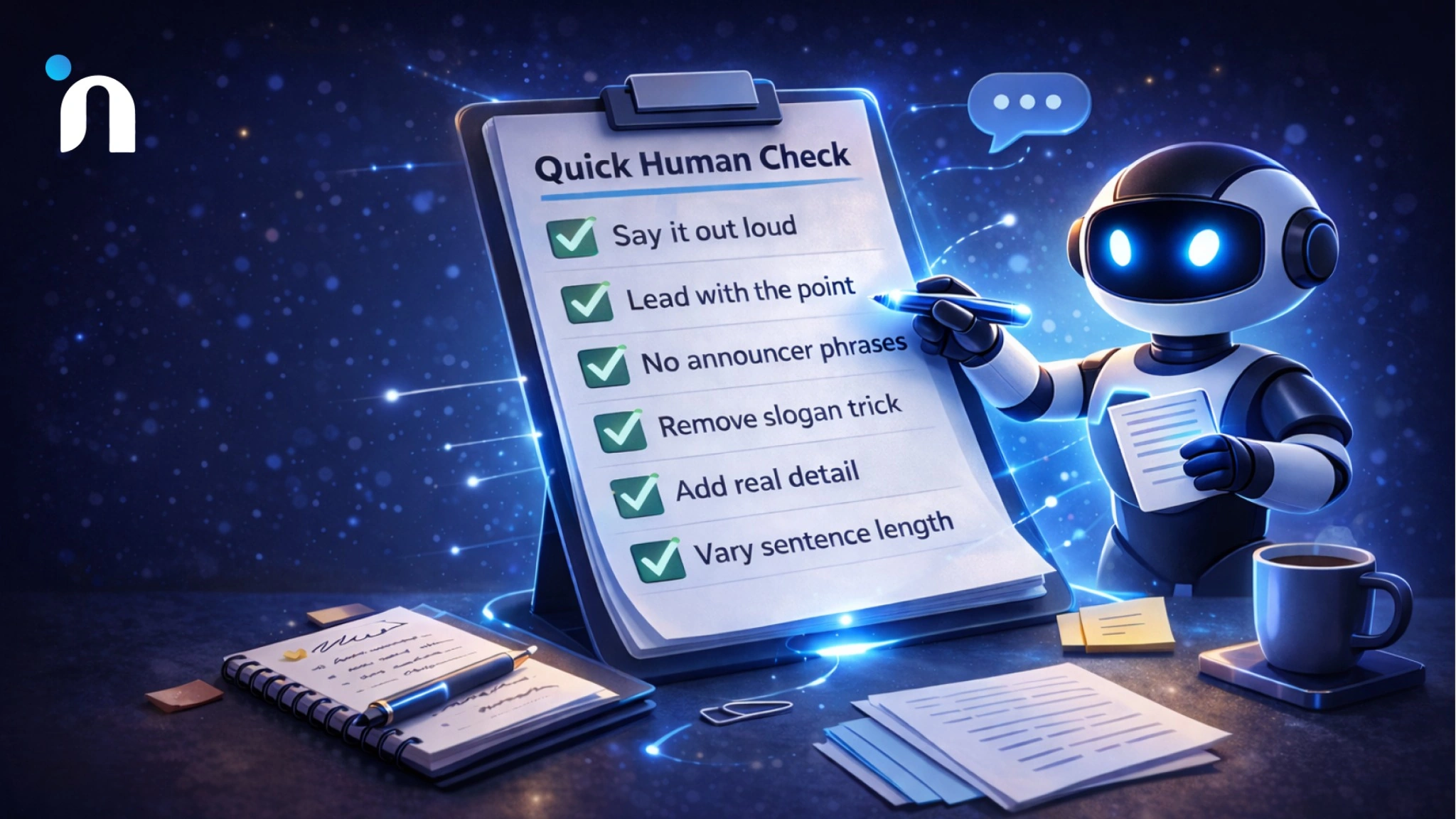
This takes 30 seconds. It saves you from sending something that sounds fine but feels fake.
Run this checklist.
1) Can You Say It Out Loud Without Cringing
If it feels like a press release in your mouth, rewrite.
2) Did You Lead with the Point
If the first two lines are throat-clearing, cut them.
3) Did You Sneak-in Any Announcer Phrases
If you see phrases like this highlights, this underscores, the key takeaway, the bottom line, here is the kicker, and now for the plot twist, delete and replace with the actual point.
4) Did You Accidentally Do the Slogan Trick
If you see it is not X it is Y, rewrite it as a concrete claim.
5) Did You Add One Real Detail
One example, number, constraint, or opinion. Anything that proves a human was here.
6) Did You Vary the Sentence Length
If every line has the same rhythm, break it. Add a short punch.
That is the checklist I use when I want the draft to sound like me, not like a very polite internet narrator.
Make Your Writing Sound Like You Again
If you keep asking how to stop writing like AI, here’s the answer I’d bet on every time:
Stop chasing clever prompts and start using guardrails.
Spot the patterns. Block them with a one-page rule set. Force compliance with your prompt. Then run the two-pass loop.
The first pass removes the robot voice. The second pass brings your voice back.
After a week of doing this, you will hear the difference instantly. And once you can hear it, you can fix it fast. This is also the simplest way to remove AI tone from writing without spending an hour rewriting every sentence.
If you want help turning this into a team standard, Novura can help you set up reusable guardrails and workflows, so your writing stays human even when AI is doing the heavy lifting.
FAQs
Q1. How do I stop writing like AI?
Create a Style Guardrails doc, run your draft through a rewrite prompt that enforces it, then use a two-pass loop. First, remove AI patterns, then add your voice and a real detail.
Q2. What are the most common AI writing tells?
Announcer phrases, generic transitions, perfect rhythm, heavy hedging, and vague statements that sound confident but say little.
Q3. What is a Style Guardrails doc, and how do I use it?
It is a one-page list of rules that bans your worst AI patterns and forces specific, natural writing. Paste it above your draft and make the tool follow it.
Q4. How do I make AI writing sound human fast?
Use two-passes. Pass one cuts filler and generic phrasing. Pass-two adds one example, constraint, or opinion, and rewrites in your voice.
Q5. What is the quickest way to check if my text sounds like AI?
Read it out loud. If the opening is vague, the transitions are generic, or it feels like a polished narrator, cut the filler and add one concrete detail.