Most people hear “AI agent” and picture a smarter chatbot.
That’s not quite it.
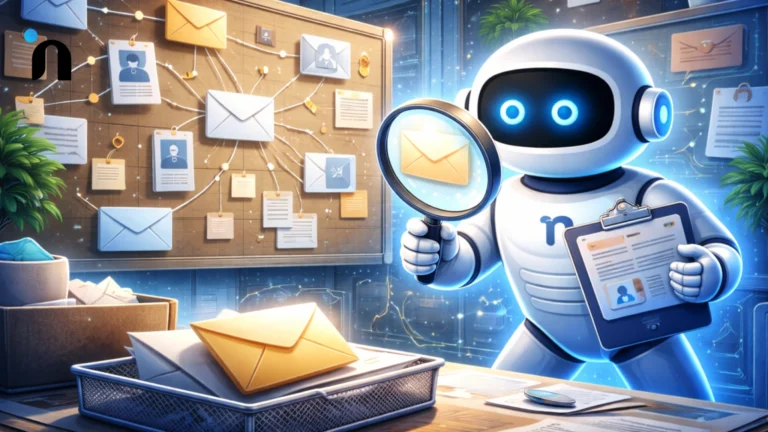
A chatbot answers. An agent does more. It can look up information, take actions in other tools, and keep going step by step until it reaches a goal.
If you have been asking what is an AI agent, think of it like a reliable assistant with access. It reads context, makes a decision, executes an action, checks the result, and repeats.
That is why AI agents for business are showing up in support, sales ops, finance, and internal workflows. Not to sound impressive, but to remove the boring bottlenecks that keep teams stuck doing copy-paste work all day.
Where agents shine is narrow, repeatable work with clear success. Where they fail is in vague tasks, messy permissions, and no guardrails.
An AI agent is software that can complete a task step-by-step, not just respond to questions. It reads context, decides what to do next, uses tools like email or a CRM to take an action, then checks the result. It is useful when work is repeatable, and the success outcome is clear.
What Is An AI Agent
An AI agent is a system designed to complete a goal by taking actions, not just generating text. It does not stop at “here’s the answer.” It moves the work forward.
If someone asks, “What is an AI agent?”, the simplest way to explain it is this:
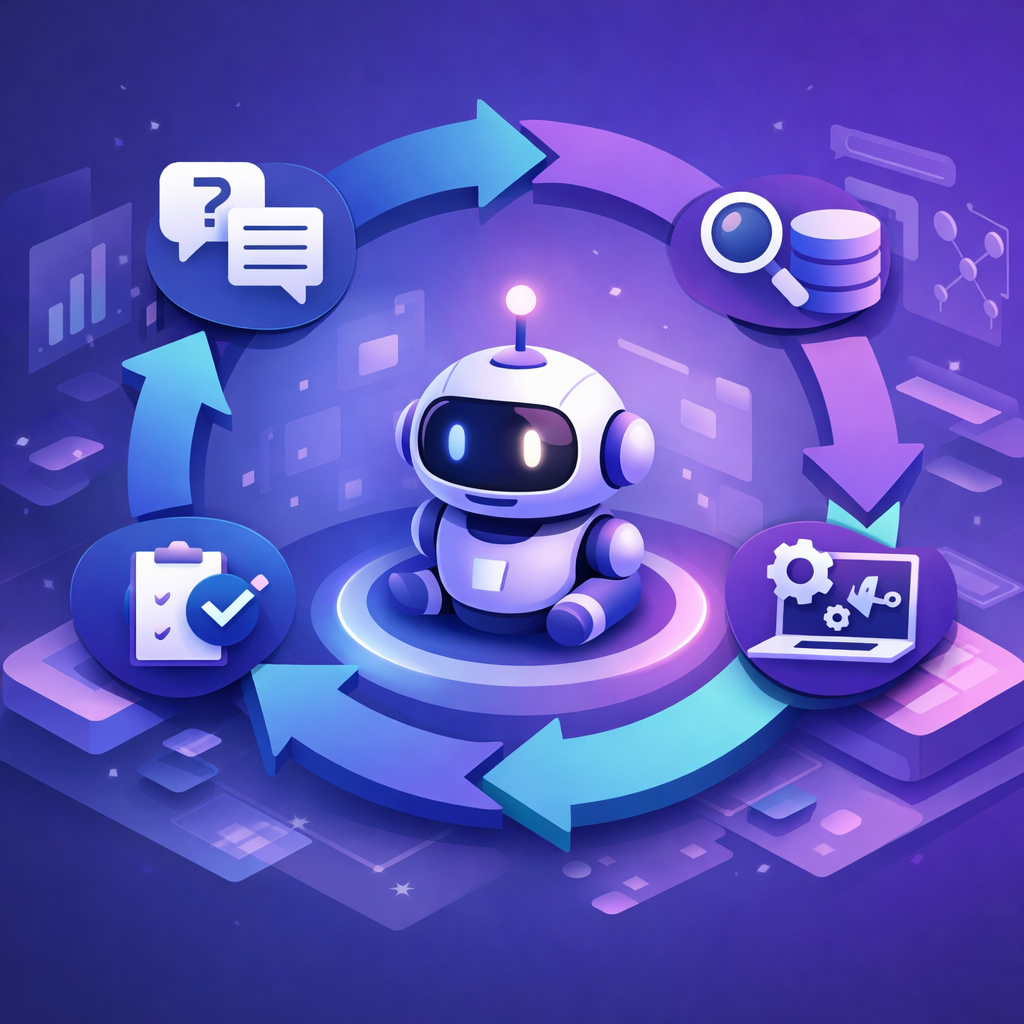
It is an AI that can follow a loop. It understands the request, gathers the missing context, uses the right tool, and then checks whether the outcome is correct.
That loop is what makes AI agents for business practical. They can handle repeatable work where the steps are predictable, like updating a support ticket, drafting a follow-up email, pulling an order status, or routing a request to the right person.
The 5 Parts Every AI Agent Needs to Work Reliably
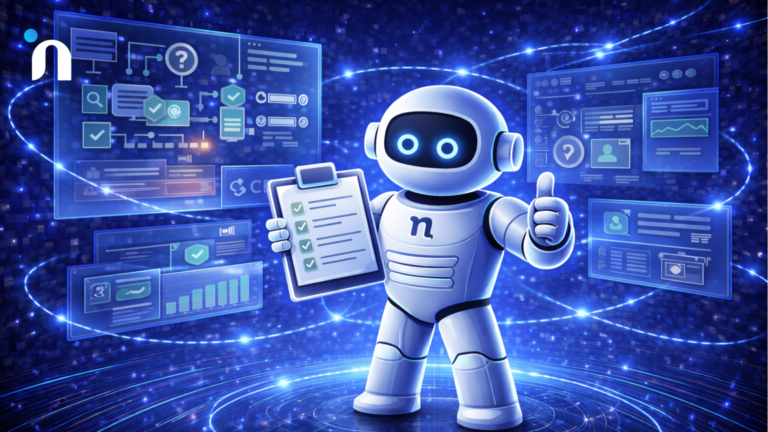
An AI agent is only useful if it can move a task forward without you babysitting it. The easiest way to understand how agents work is to break them into five parts. These parts explain why some agents feel “smart,” and others feel like a chatbot that cannot do anything.
1) Goal
The specific outcome the agent is trying to reach, like resolving a ticket, qualifying a lead, or scheduling a meeting. If the goal is vague, the agent wanders.
2) Context
The details the agent must know to act correctly, like customer history, order status, permissions, or policy rules. If context is missing, the agent guesses.
3) Tools
The systems the agent can use to do real work, like a helpdesk, CRM, email, calendar, or internal knowledge base. Without tools, it can only talk.
4) Actions
The actual steps the agent can take inside those tools, like creating or updating a record, sending a message, fetching data, or assigning a ticket.
5) Checks
The way the agent confirms the result, like verifying a record updated, a message sent, or the user’s request is resolved. If a check fails, it retries or escalates.
When these five pieces are clear, AI agents become predictable and safe, because you can control what they are allowed to do and how success is measured.
How an AI Agent Works Under the Hood
An agent works like a loop, not a single response. Instead of answering once and stopping, it keeps taking small steps until it reaches the goal or hits a safe stop. This is why agentic AI feels different in real products. It is closer to task completion than conversation.
Under the hood, an agent usually does three things repeatedly. It gathers what it needs, decides the next best step, then executes that step using a tool. After that, it checks whether the step worked. If it did not, it tries a different path or escalates.
The Agent Loop
Most agents follow the same cycle, even if the UI looks like chat.
1) Observe
Read the request and pull relevant context, like user data, ticket history, account status, or policy rules.
2) Decide
Choose the next step based on the goal, constraints, and what it knows so far.
3) Act
Use a tool to do work, like creating a ticket, updating a CRM field, sending an email, or fetching an order status.
4) Check
Verify the result, like confirming the record updated, the message sent, or the status changed.
5) Repeat or Escalate
If the goal is not reached, loop again. If the agent is uncertain or blocked, hand off to a human.
Tools vs Knowledge
A lot of confusion comes from mixing these up.
Knowledge is what the agent can explain. Tools are what the agent can do.
Knowledge looks like answering questions from documentation, policies, or past tickets. Tools look like taking action inside systems your team already uses.
That is the difference between a helpful chat experience and AI agents for business that actually reduce workload.
Here are common tools agents use in real workflows.
- Helpdesk tools to tag, assign, and update tickets
- CRMs to qualify leads, update stages, and log activity
- Email and calendar to send follow-ups and schedule meetings
- Databases and internal docs to fetch the correct context before acting
- Billing or order systems to check status, issue refunds, or trigger next steps
AI Agent vs Chatbot vs Automation
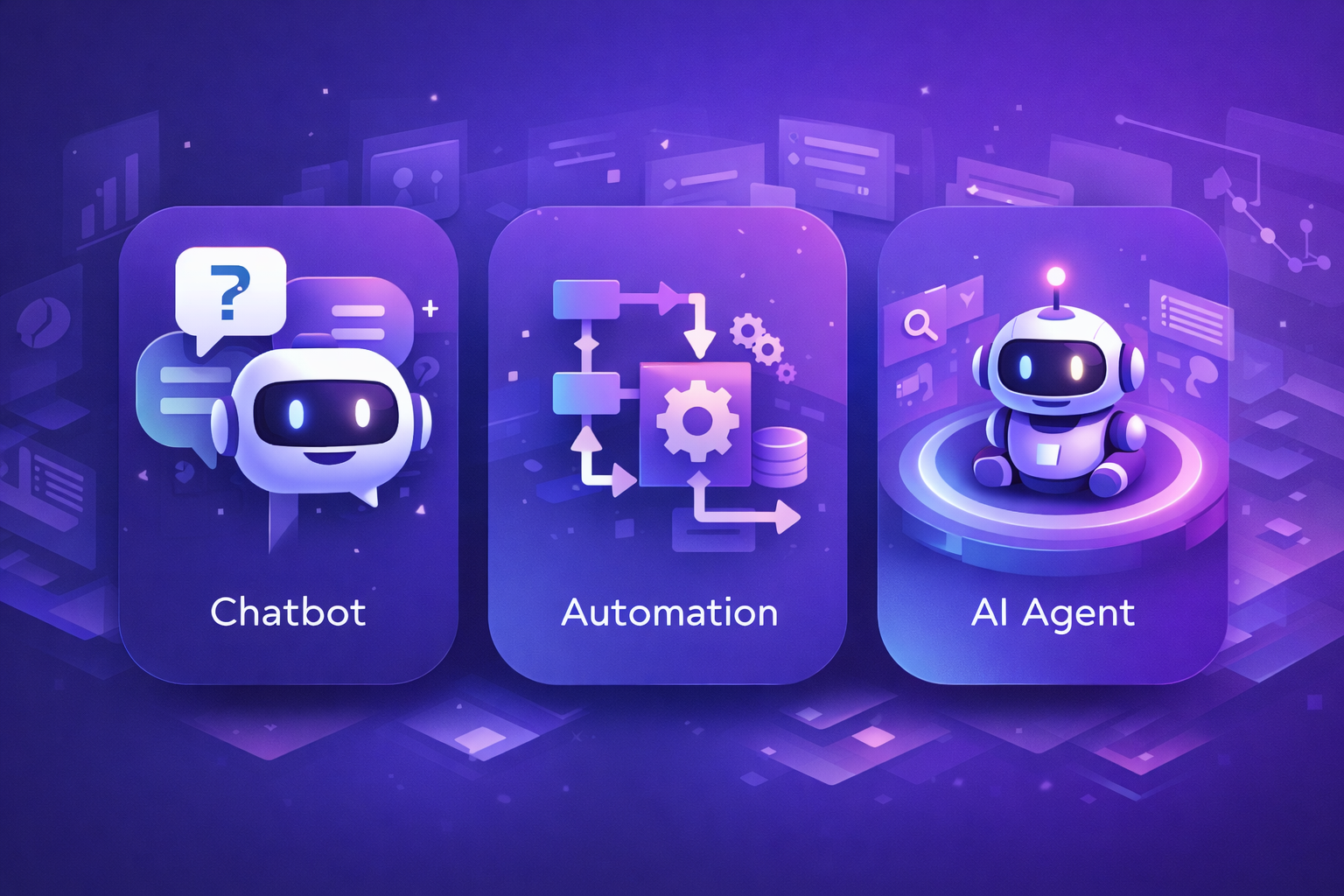
These get lumped together because they all “reduce manual work,” but they solve different problems.
Picking the wrong one usually means wasted build time and confusing results.
The easiest way to separate them is to ask what kind of work you are dealing with. Is it mainly answering questions? Is it a fixed process you can map as rules? Or is it a goal where the next step depends on context?
Once you know that, the right choice becomes obvious.
Chatbot
A chatbot is best when the job is answering questions or guiding a user through information. It helps with support FAQs, policy questions, and basic troubleshooting. It does not reliably complete multi-step work unless it is paired with tools.
Automation
Automation is best when the steps are fixed and predictable. If you can write the rules clearly, automation is cheaper, faster, and more reliable than AI. Think routing rules, notifications, scheduled reports, and workflow triggers.
AI Agent
An agent is best when the goal is clear, but the path can vary. It can decide what to do next, use tools, and adapt when it hits a blocker. That is why AI agents for business show up in workflows, like ticket triage, lead follow-ups, and internal requests, where the steps change based on context.
A clean way to choose is to start with the biggest unknown. If the risk is clarity, test the experience first. If the risk is feasibility, test the integration. If the risk is adoption, ship the smallest usable workflow. That same mindset of choosing the right early build keeps you from building an agent when a simple automation or chatbot would have been enough.
Why Agentic AI is Taking Off Now
The biggest reason is simple. Teams do not just want answers anymore. They want the work to move forward. A support reply is nice, but closing the ticket is better. A sales summary is useful, but updating the CRM and sending the follow-up is what saves hours.
What changed is that agents can now connect to real tools and operate in a loop. They can read context, choose the next step, take an action in systems like helpdesks and CRMs, then verify the outcome. That makes them practical for repeatable workflows where the goal is clear, but the path varies by customer, account state, or policy.
The adoption curve is also being pulled by the market. Gartner predicts that by 2028, 33% of enterprise software applications will include agentic AI, up from less than 1% in 2024, and that 15% of day-to-day work decisions will be made autonomously through agentic AI.
Real AI Agent Examples in Products
The easiest way to understand AI agents is to picture what they do when nobody is watching.
Good agents are not “chatty.” They complete a workflow, log what they did, and escalate when they hit uncertainty.
These AI agent examples are the most common patterns you’ll see in real products.
1) Customer Support Agent
A support agent is useful when it can reduce handle time without risking wrong actions. The best ones start with triage, then move into resolution, and only escalate when needed.
- Reads the ticket and pulls customer context from the helpdesk and order history
- Classifies intent, urgency, and sentiment, then tags and routes the ticket
- Drafts a reply or suggests a resolution based on policy and prior cases
- Executes simple actions like refund requests, replacements, or password resets when allowed
- Escalates to a human with a clean summary when confidence is low
2) Sales and Ops Agent
In sales and ops, agents work well when they remove busywork and keep systems clean. The goal is fewer missed follow-ups and less manual CRM hygiene.
- Qualifies inbound leads using firmographic rules and conversation signals
- Enriches records and updates CRM fields, stage, and next step
- Drafts personalized follow-ups and schedules meetings with calendar access
- Prepares quotes, summaries, and call notes, then logs them automatically
- Flags risks like stalled deals or missing info and prompts the right action
3) Internal Workflow Agent
Internal agents shine in repeatable requests where teams waste time bouncing between tools. Think IT, HR, finance, and operations.
- Handles requests like access, reimbursements, policy questions, and task routing
- Pulls answers from internal docs and applies company rules consistently
- Creates tickets, assigns owners, and tracks status updates across tools
- Collects missing details from the requester before executing actions
- Escalates exceptions with full context instead of forcing back-and-forth chats
The Risks Founders Underestimate
Once you understand what is an AI agent, the next thing that matters is what can go wrong when it is allowed to act inside real systems. Agents feel powerful because they can move work forward, but that also means mistakes are more expensive than a bad chat response.
1) Hallucinations that Turn Into Actions
A wrong answer is annoying. A wrong action is costly. Agents can confidently do the wrong thing if context is incomplete or policies are unclear. The fix is a tight scope, good context retrieval, and clear rules for when the agent must ask or escalate.
2) Permissions and Tool Access Creep
The fastest way to create risk is giving the agent broad access “for convenience.” Limit tools, limit actions, and scope permissions to the smallest set needed for the workflow. This is where AI agents for business either become reliable helpers or a security headache.
3) Silent Failures in Integrations
Tool calls fail more often than people expect. Webhooks drop, APIs rate limit, and data formats surprise you. If the agent cannot detect failure and recover, it looks like it is working while nothing updates behind the scenes.
4) No Monitoring, No Audit Trail
If you cannot see what the agent did and why it did it, you cannot improve it safely. Good agents log actions, store reasoning traces at a high level, and make it easy to review failures without digging through chaos.
5) Weak Handoff to Humans
The best agents know when to stop. You need a clean escalation path that includes context, what the agent already tried, and what it recommends next. Otherwise, humans waste time redoing the same investigation, and trust collapses fast.
How to Start Building an AI Agent the Practical Way
The fastest way to build an agent that actually works is to start narrow. Pick one job, one user, and one tool action that creates a measurable result. When teams start with a “do everything agent,” they usually end up with something that chats well but fails under real constraints.
Before you write code, make the workflow visible. Write the exact steps the agent should follow, the way a junior teammate would. Answer these questions:
Where does it get context?
What tool can it use?
What can it change?
What counts as a successful outcome?
This avoids the common trap where the agent “sounds right” but does not move work forward consistently.
Validation matters even more with agents because tool access and data quality can hide problems until late. Before you automate anything, prove that users want the outcome and that the workflow is worth repeating. A practical way to start is to borrow the same approach from how to validate an MVP before you build and apply it to the agent workflow.
Costs stay predictable when you remove uncertainty early. Agents get expensive when you pile on tools, permissions, and edge cases without a clear success signal. Tight scope plus measured iteration is the real version of budgeting without guessing.
A Simple First Agent Scope
Keep version one tight enough that you can ship, measure, and improve without weeks of rework.
- One workflow with a clear finish line
- One primary data source for context, like your helpdesk or CRM
- One tool action the agent can take, like tagging and routing a ticket
- One success metric you can track weekly, like resolution time or deflection rate
Guardrails to Set Before You Let It Act
These keep the first release safe and predictable.
- Limit permissions to the minimum needed for version one
- Add a confirmation step for any action that changes money, access, or account state
- Log every tool action so you can audit what happened
- Define when it must escalate to a human instead of guessing
- Start with a small pilot group before widening access
Conclusion
If you are still asking what is an AI agent, the simplest way to think about it is this. It is a system that can take steps toward a goal using tools, then verify outcomes instead of stopping at an answer.
The best results come from starting narrow, choosing one workflow, and adding guardrails before expanding access. That is where AI agents for business become genuinely useful, because they reduce repetitive work without creating new risk.
If you want help scoping and shipping your first agent safely, Novura can help you design the workflow, set guardrails, and get to a measurable pilot faster. Book a call to discuss your use case.
FAQs
Q1. What is an AI agent in simple terms?
An AI agent is a software that can complete a task step-by-step. It can use tools, take actions, and check results instead of stopping at an answer.
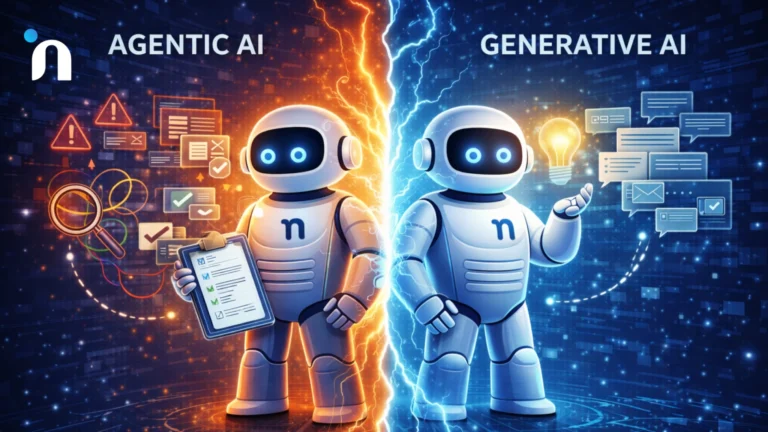
Q2. What is the difference between agentic AI and a chatbot?
A chatbot mainly responds in conversation. Agentic AI is built to take actions toward a goal, using tools and a loop that verifies outcomes, retries, or escalates when needed.
Q3. Are AI agents for business safe to use in customer support?
They can be, if the scope and permissions are tight. Safe agents start with triage and drafting, use clear escalation rules, limit tool access, and log every action for review.
Q4. How do AI agents connect to CRMs and other tools?
They connect through APIs and tool integrations. The agent pulls context, performs allowed actions like updating a record or sending a message, then confirms the system updated correctly.
Q5. What are a few AI agent examples that actually work?
Ticket triage and routing, lead qualification and follow-ups, internal request handling like access or policy questions, and workflow assistants that gather details and then create clean tickets for humans.